Turn one scope turret and every step lands with a sharp snap. Turn another and the movement feels quieter, heavier, or slightly rounded. It is tempting to rank the first scope as mechanically better after only a few clicks, but click feel tells a narrower story.
A turret's sound and resistance are part of the user interface. They help you count adjustments, notice a full step, and work without staring at the dial. They do not, by themselves, prove that the reticle moved by the advertised amount or returned to the same place. That distinction matters whenever you compare scopes or troubleshoot an adjustment that suddenly feels different.
What a Turret Click Actually Represents
The value printed on a scope—such as 1/4 MOA or 0.1 MRAD per click—describes the intended angular correction for each indexed step. Our MOA versus MRAD guide explains how those units relate to adjustment.
The click is the feedback you hear or feel as the dial moves from one index to the next. Manufacturers describe this feedback in different ways: audible, tactile, positive, pronounced, or crisp. Some designs even make selected positions more obvious. The ZEISS LRP S5 manual, for example, describes a more pronounced click at each whole MRAD position on its MRAD elevation turret. That is an indexing aid, not a different correction value for that step.
Direction also matters. The UP and R markings describe a correction direction, not merely the direction a knob happens to rotate. If this is unfamiliar, read our guide to what UP and R move on a scope turret before judging the feel of the control.
Click Feel Is Feedback, Not a Tracking Certificate
A clean click can make a turret easier to use. It can reduce uncertainty when you are counting steps, especially when the dial is partly hidden or you are wearing gloves. Leupold's riflescope manual describes target-style adjustments whose divisions can be heard and felt, while Bushnell manuals describe clicks that provide audible, visible, and finger-felt references.
Those statements concern the interface. Tracking is a separate question: did the internal adjustment move the sighting system by the expected amount, and does it do so repeatedly? Return to zero is another: after moving away and back, does the system return to the original setting? Our guide to scope tracking and return to zero covers those performance questions.
A turret can feel sharp yet track poorly. A quieter turret can track correctly. Feel may be a useful quality cue, but it is not a substitute for measurement.
What Crisp, Soft, Heavy, and Light Usually Describe
These words are informal, so two people may describe the same control differently. It helps to separate four sensations:
- Crisp or positive: the transition into the next index feels distinct, with little ambiguity about where the step settled.
- Soft or rounded: the step is still present, but the transition feels less abrupt.
- Heavy: more turning force is required. Heavy is not automatically precise, and it should not be confused with a locked turret.
- Light: the dial turns with less effort. Light can be convenient, but an exposed dial may then benefit from a lock or other protection against accidental movement.
Sound adds another layer. A loud click is easy to count in a quiet room, while audible feedback may be much less useful outdoors or through gloves. Tactile separation is often more dependable than volume alone. Neither tells you the click value; that must come from the model's markings or manual.
Why Two Good Turrets Can Feel Different
There is no universal click sensation that every reliable scope must copy. Turret height, diameter, knurling, sealing, lubrication, locking hardware, cap design, and the manufacturer's intended use can all change what reaches your fingers. Temperature and gloves can change your perception as well.
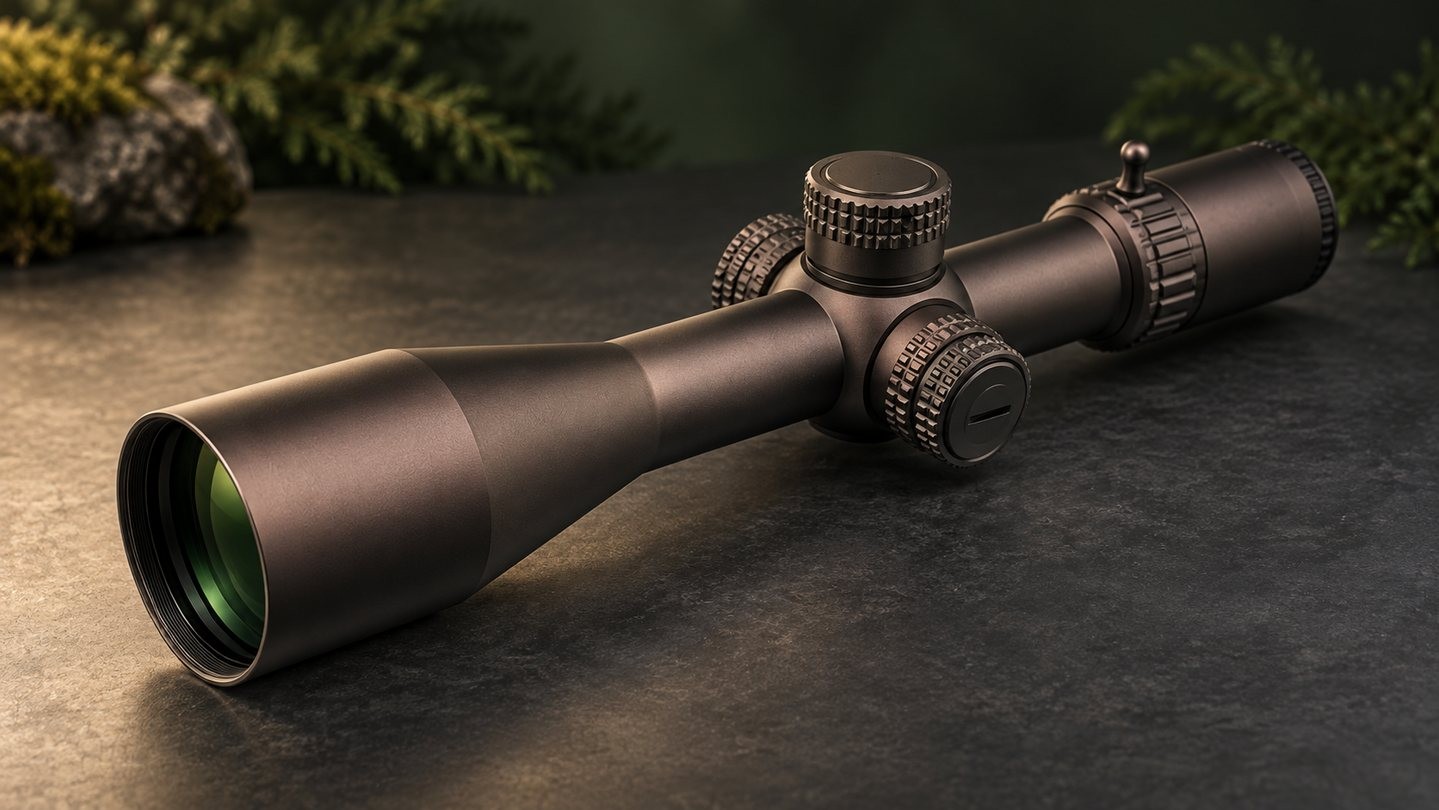
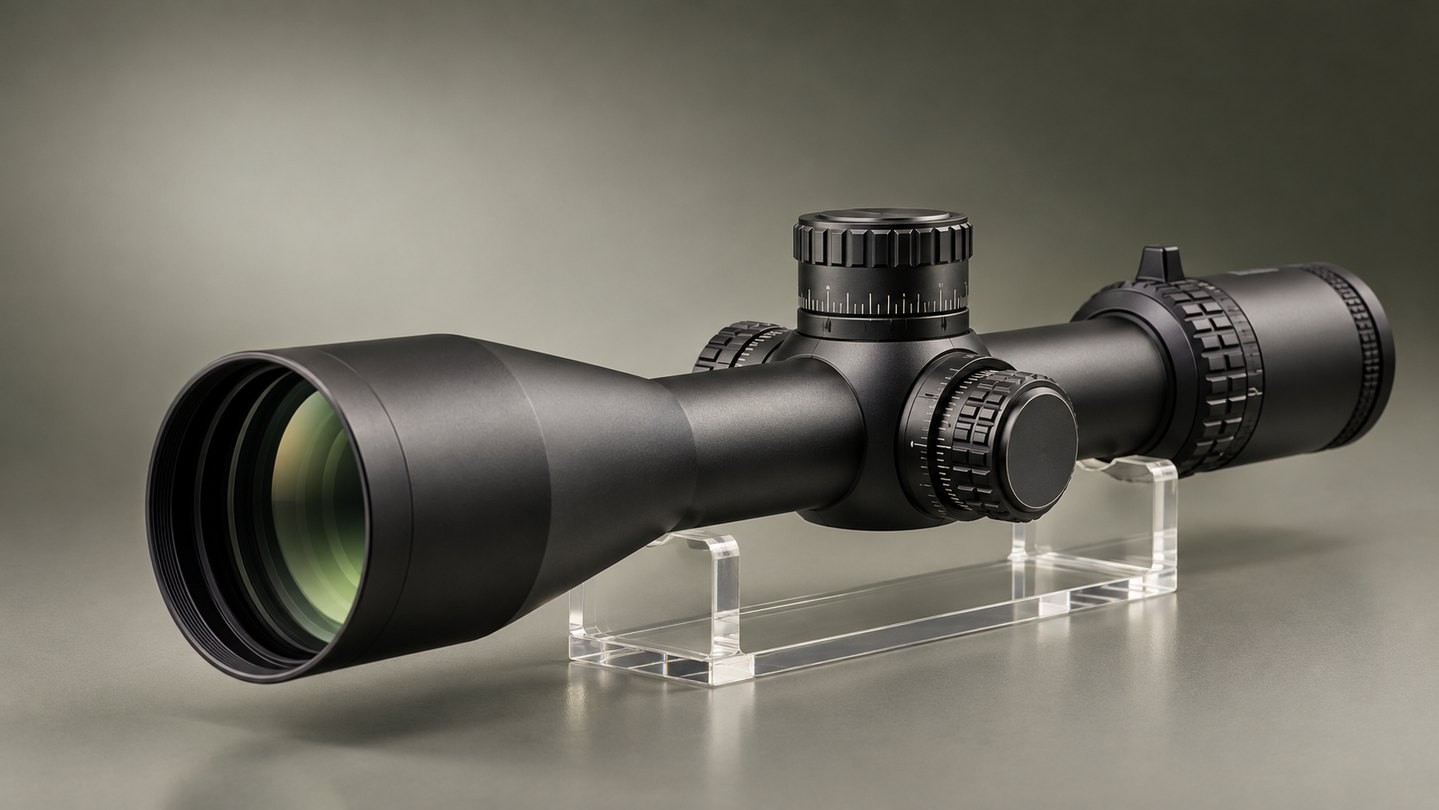
The surrounding design also changes expectations. A low-profile capped adjustment is normally handled less often after zeroing. A tall exposed target turret is intended to make repeated changes easier to read and count. A locking turret adds a second action before rotation. Compare those layouts in our guide to capped, exposed, and locking turrets.
This is why a capped hunting-style control should not be rejected simply because it is quieter than a large competition-style dial. Judge whether the feedback is clear enough for the way the control is meant to be used.
Do Not Confuse a Lock or Stop with a Click
A turret lock prevents or resists unwanted rotation. A zero stop creates a defined mechanical limit when returning toward the zero setting. A click indexes an adjustment step. These features may exist together, but they do different jobs.
If a dial will not rotate, first check the model's instructions for a locking collar, push-pull mechanism, or stop. Do not force it. Some manuals specifically warn that rotating a locked adjustment can damage the mechanism. Our zero stop versus zero reset guide explains why a stop is not the same thing as moving the dial scale back to zero.
Multi-turn turrets can also include rotation indicators or deliberately stronger clicks at regular intervals. Those cues help you keep your place. They do not increase the underlying click value, and they do not replace the need to know the travel provided per turret revolution.
A Better Way to Compare Turrets
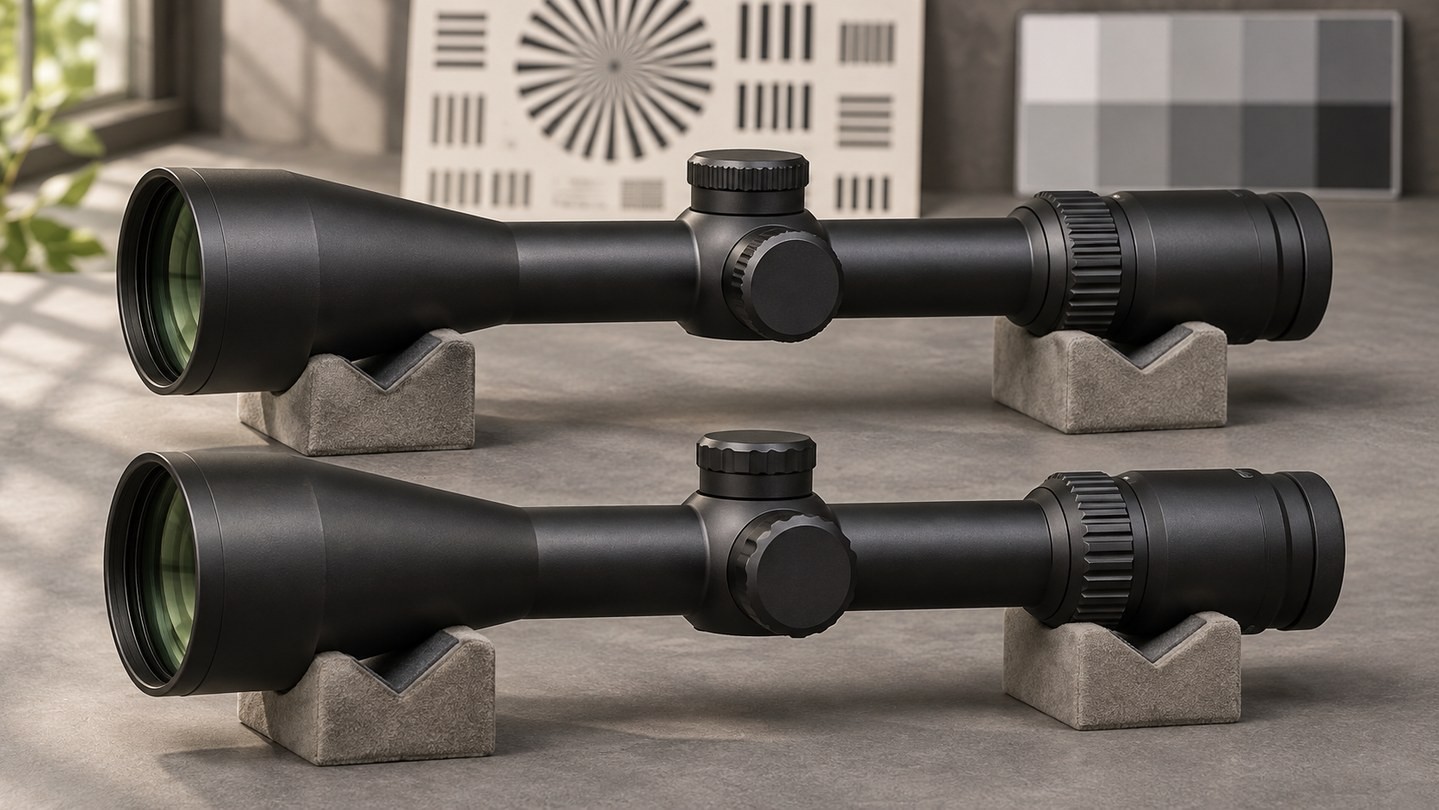
When comparing two scopes, handle the dial slowly and ask practical questions instead of searching for the loudest snap:
- Can you identify every full step without watching the dial?
- Does the dial settle on an index rather than resting ambiguously between marks?
- Are the markings readable, and do they match the stated click value?
- Is the rotation force consistent across the usable range?
- If the turret locks, is the lock clearly engaged and released?
- Can you track the current revolution without guessing?
- Does the zero-stop or reset system operate as the manual describes?
Then separate feel from performance. A controlled tracking check evaluates whether commanded adjustment matches actual movement. Repetition checks whether the result is consistent. A return-to-zero check evaluates whether the original setting is recovered. These are more meaningful than spinning the dial quickly for sound.
When a Change in Feel Deserves Attention
Consistency matters more than a particular style. A turret that has always felt muted may be normal for that model. A new change—grinding, scraping, sudden free play, skipped indexes, binding, uneven resistance, or a dial that no longer settles—deserves attention.
Stop and consult the model manual or manufacturer if:
- the dial turns while the lock appears engaged;
- an index produces no clear step where one existed before;
- resistance changes abruptly at a point that is not a documented stop;
- the scale moves but adjustment results become unpredictable;
- the turret was struck, submerged beyond its rating, or disassembled incorrectly; or
- a cap, set screw, O-ring, or dial component is visibly damaged.
Do not add oil or open a sealed turret unless the manufacturer specifically instructs you to do so. External controls can look simple while interacting with sealed internal parts. Forcing or lubricating the wrong component may create a larger problem.
What to Compare Before Buying
Click feel belongs on the comparison list, but it should not lead the list by itself. Check the stated click value, total adjustment range, travel per revolution, markings, lock, stop, rotation indicator, and whether the turret is capped or exposed. Our guide to total versus usable adjustment range explains why the largest travel number is not always available in every direction after zeroing.
Also consider the job. A scope adjusted once and left alone may benefit more from secure caps and a compact profile than from aggressive tactile feedback. A scope dialed frequently benefits from clear indexing, readable markings, reliable revolution tracking, and a return-to-zero system that is difficult to misread.
Manufacturer language such as crisp, tactile, or positive can describe a useful feature, but it is still descriptive language. Confirm the model-specific click value and operating instructions, then look for evidence of repeatability rather than assuming a certain sound proves precision.
The Practical Takeaway
A good turret should communicate each intended step clearly enough for its role. Crispness, volume, and turning force shape that experience, but they are not direct measurements of tracking accuracy.
Use click feel to judge whether the control is clear, consistent, and practical. Use model documentation to understand locks, stops, values, and rotation limits. Use a controlled tracking and return-to-zero check to evaluate what the adjustment actually does. Keeping those questions separate makes turret comparisons much more useful—and helps you notice when a familiar control has genuinely changed.




Leave a comment