You turn the elevation turret toward UP, then look through the scope and see the reticle appear to move down. Did the adjustment go the wrong way? Usually, no. The confusion comes from watching the reticle instead of thinking about the result the turret is designed to change.
On most modern rifle scopes, the direction marked on an elevation or windage turret describes the intended movement of the point of impact. UP means the impact should move upward. R, or RIGHT, means it should move to the right. The reticle may appear to travel in the opposite direction while you adjust because the sighting relationship inside the scope is changing.
That is the useful convention, but it is not permission to guess. The markings and manual for the exact scope in front of you always take priority.
The Short Answer: The Markings Usually Mean Point of Impact
Elevation and windage controls answer two separate correction questions:
- Elevation: should the point of impact move up or down?
- Windage: should the point of impact move right or left?
If a group is below the intended point, an UP correction is normally used to move the group upward. If a group is left of the intended point, an R correction is normally used to move it right. The arrow shows the direction to rotate the control for that correction; it does not necessarily show the direction the reticle will appear to move in the sight picture.
Leupold states this convention directly in its riflescope support material. Vortex gives the same practical warning: think about moving the bullet's point of impact, not about moving the point of aim. ZEISS manuals also describe correction in terms of where the shot must move, while documenting the rotation required for that specific model.
If the controls themselves are unfamiliar, start with the guide to elevation, windage and the third scope knob. It separates the two aiming adjustments from parallax or illumination controls that may occupy the left side.
Why the Reticle Can Seem to Move the Other Way
A scope does not steer a projectile directly. Its adjustment mechanism changes the angular relationship between the sighting system and the barrel. After an UP correction, the shooter must aim the adjusted sight back at the same point. That changes the barrel's angle relative to the original line of sight, producing the intended upward shift in impact.
Viewed through the eyepiece during adjustment, the reticle and target image can therefore seem to move opposite the correction named on the turret. This is especially noticeable when the scope is held still on a visual reference while the dial is turned.
That apparent movement is not, by itself, evidence that the turret is reversed. The meaningful check is whether a controlled group moves in the direction and amount commanded. That is also why turret direction and scope tracking are related but different questions: direction asks which way the impact should move, while tracking asks whether the mechanism delivers the requested correction accurately and repeatably.
Elevation: Read UP as the Intended Impact Correction
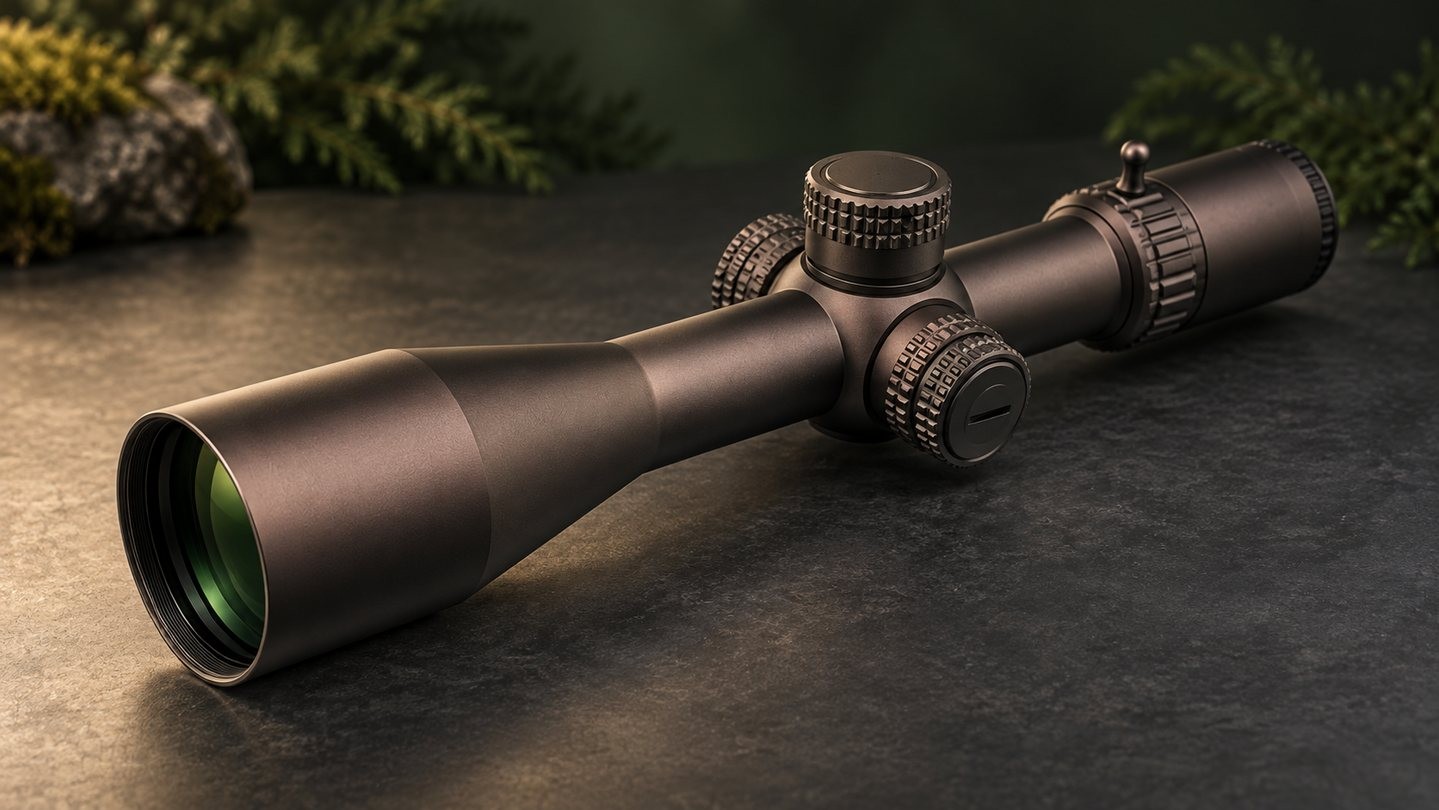
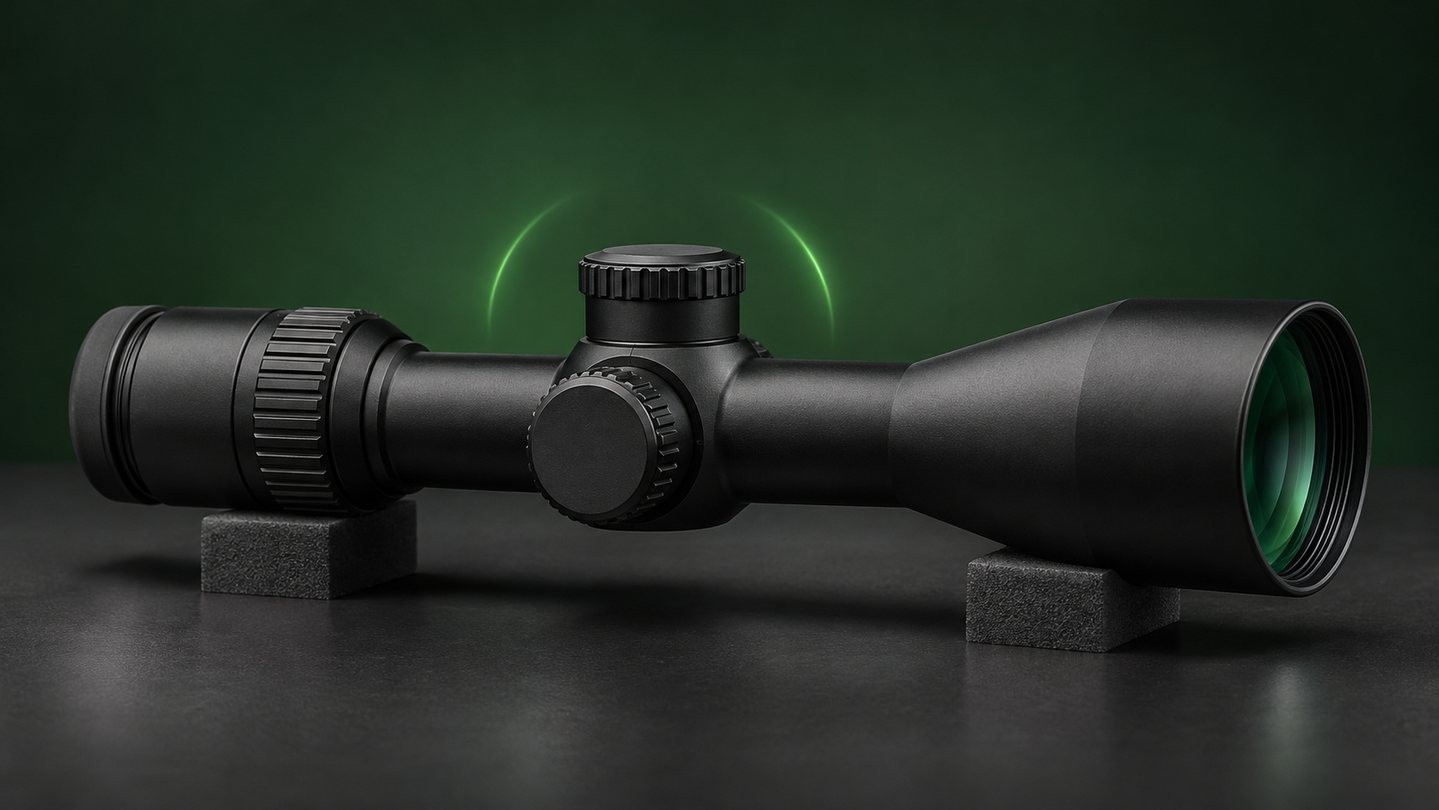
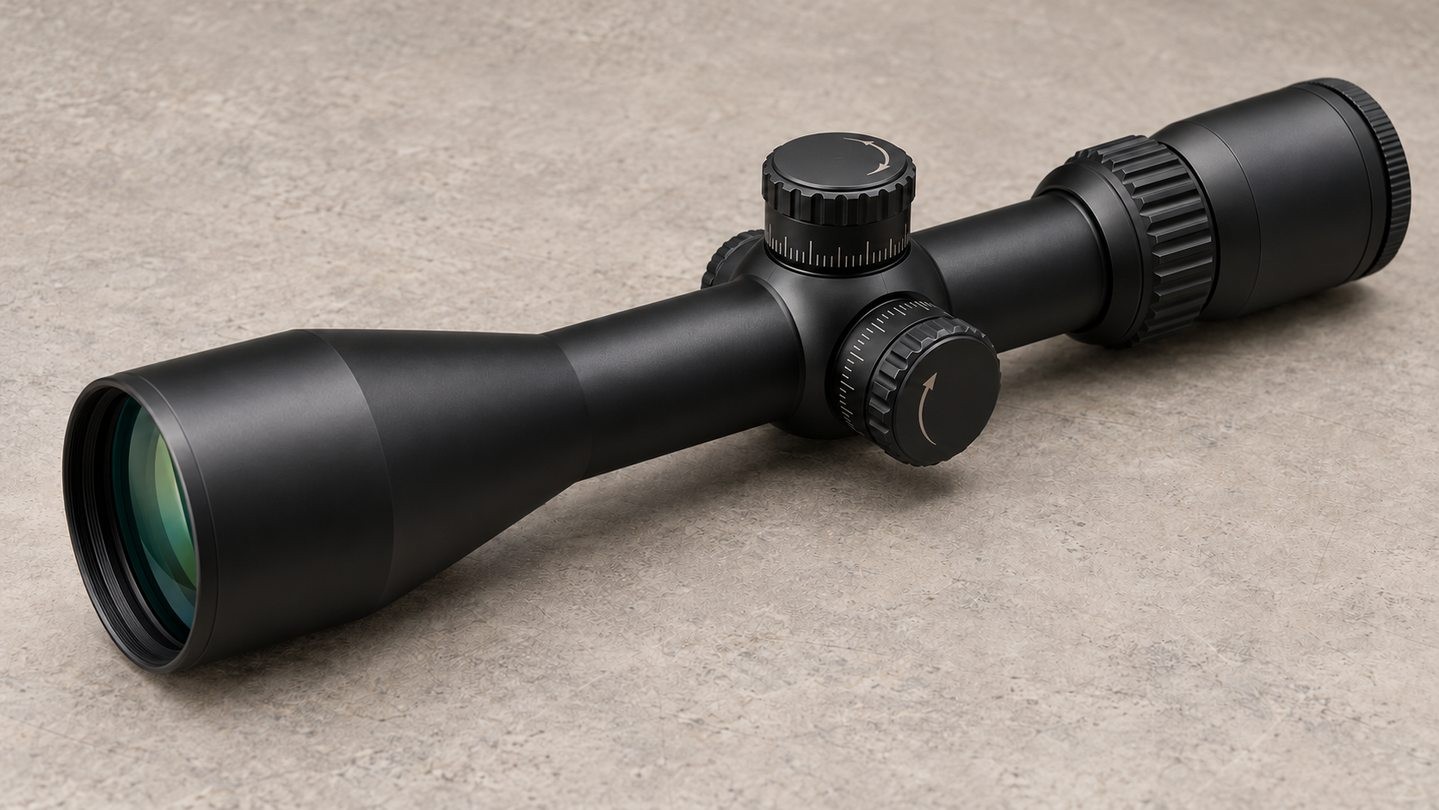
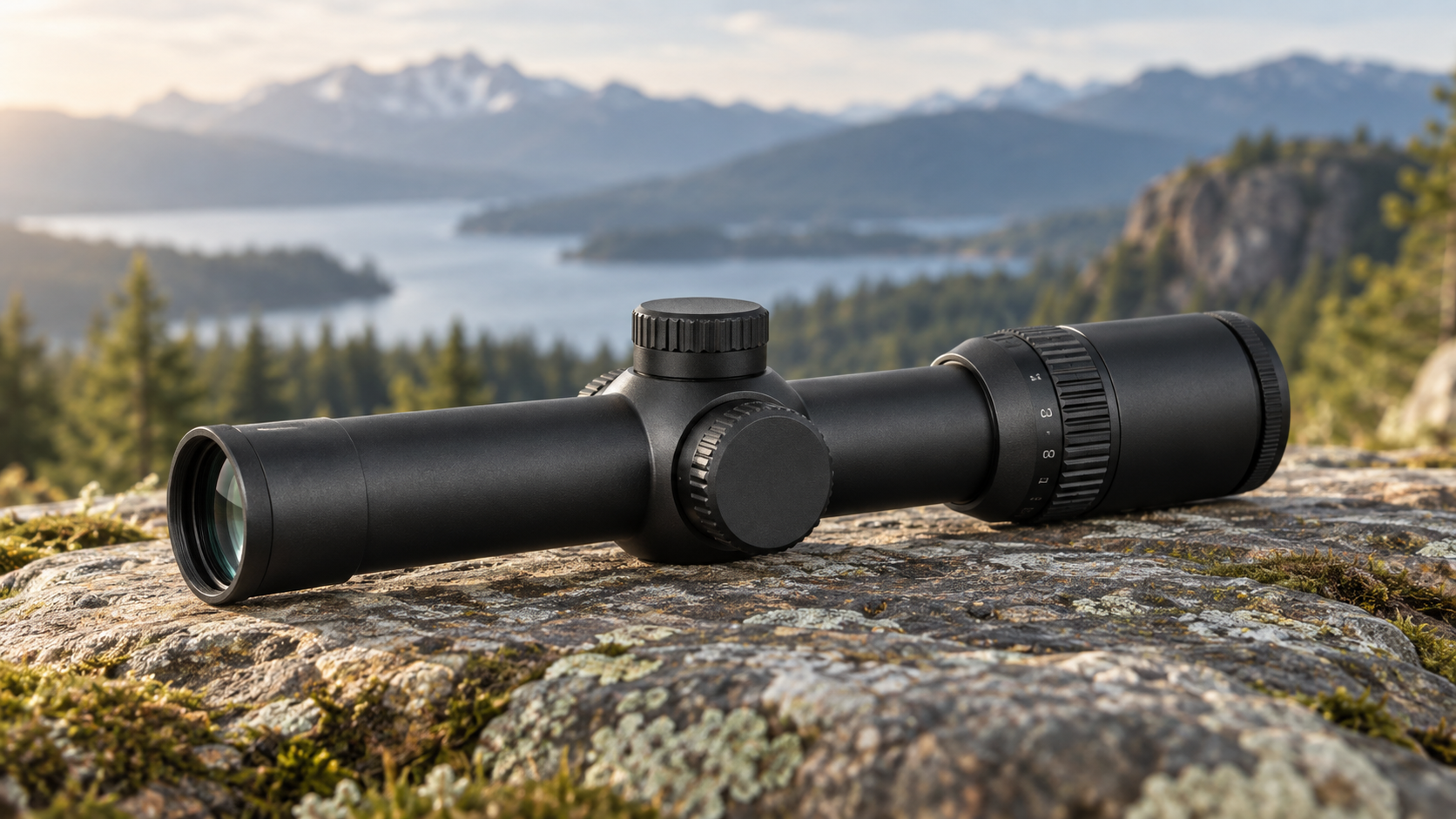
The elevation turret is normally on top of the scope. Its UP marking describes an upward point-of-impact correction. DOWN may be printed separately, or it may simply be the opposite rotation from the UP arrow.
Do not translate UP into a universal clockwise or counterclockwise rule. A Leupold tactical manual, for example, documents counterclockwise rotation for upward impact movement on the models covered by that manual. A different model, adjustment assembly or viewing orientation should be checked against its own markings and instructions.
The click value also matters. Direction tells you which way to correct; click value tells you how much angular change each click represents. A turret marked in 1/4 MOA and one marked in 0.1 MRAD can both move impact upward, but their scales should not be counted as though they were interchangeable. The MOA vs MRAD guide explains the difference without mixing the two systems.
Windage: Read R as the Intended Rightward Correction
The windage turret is normally on the right side of the scope. An R or RIGHT marking usually means that turning in the indicated direction moves the point of impact to the right. To move impact left, rotate in the opposite direction unless the exact model says otherwise.
The same visual illusion applies here. When the optic stays fixed and the windage dial is turned toward R, the reticle may appear to move left relative to a stationary reference. The final correction becomes clear only when the adjusted sight is aimed back at the same point and the resulting impact position is checked.
This is also why a scope that appears centered is not automatically zeroed. Optical focus, reticle level, mounting alignment and the established point of impact are separate checks. The scope leveling guide explains what leveling can correct and what it cannot.
Why Boresighting Can Make Direction Feel Backwards
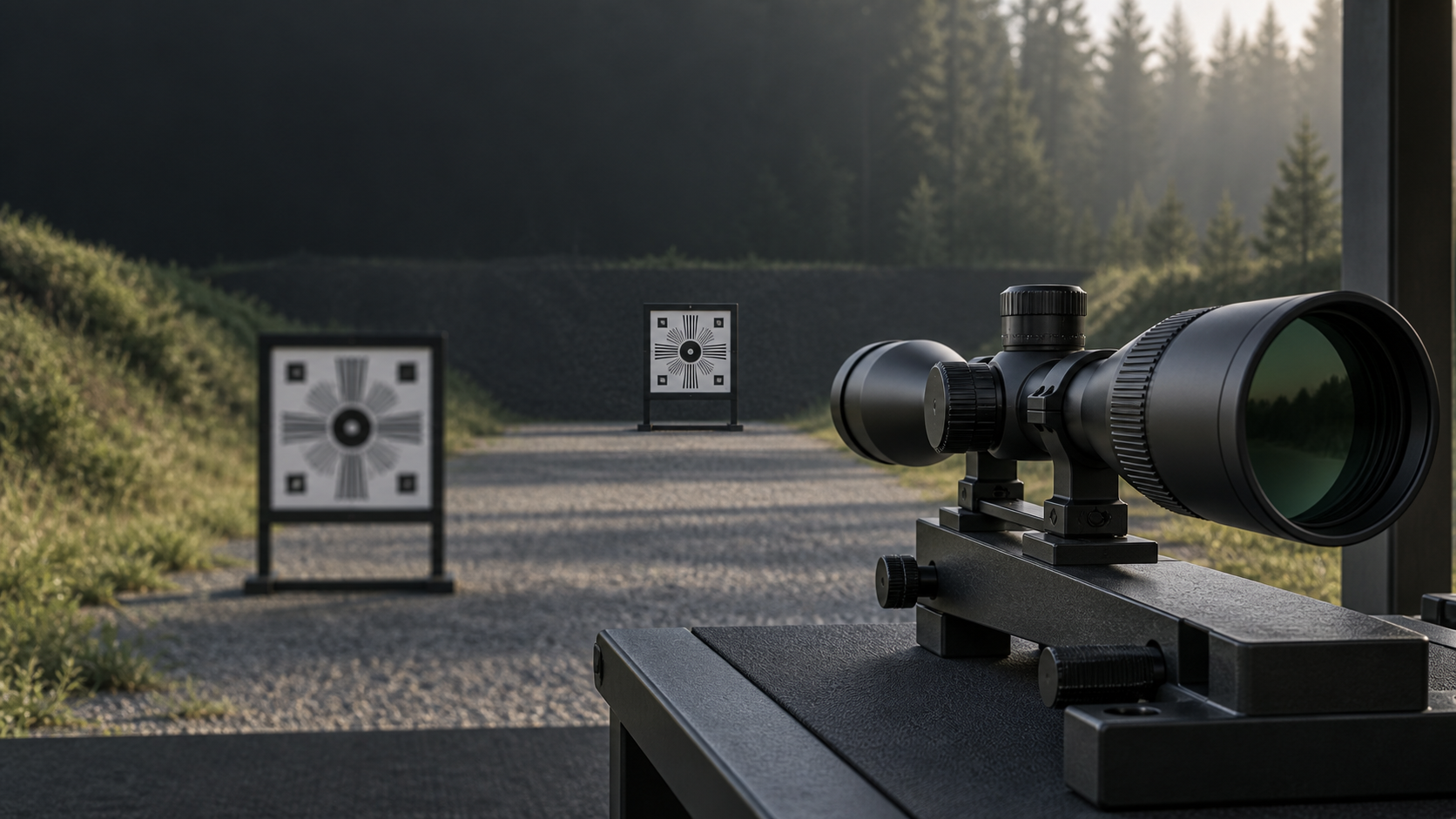
Boresighting is where many users first notice the apparent reversal. With the rifle or optic held still, a grid, distant reference or projected dot stays in one place while the adjustment changes the sight picture. The reticle may seem to travel opposite the direction named on the turret because you are observing the internal sighting relationship rather than the later impact correction.
Manufacturer guidance reflects this distinction. Leupold notes that, during boresighting, a reference can appear to move in the direction marked on the dial while the reticle appears to move the other way. Vortex similarly warns that thinking only about reticle movement during setup can be confusing once live point-of-impact correction begins.
Boresighting is an alignment aid, not proof of a finished zero. It may help place the initial relationship within a useful range, but the final result still has to be confirmed according to the optic and equipment maker's procedure in a controlled setting. Do not treat a laser dot, grid or centered view as evidence that the point of impact has been verified.
Do Not Memorize Clockwise vs Counterclockwise
It is tempting to reduce the task to a phrase such as "up is counterclockwise." That shortcut is fragile for three reasons:
- You may view the turret from a different side or angle than the person who wrote the shortcut.
- Adjustment assemblies and product families do not all use identical layouts.
- A removable or resettable dial can be installed or indexed incorrectly even when the mechanism below it still works.
A safer habit is to read the engraved arrow from the normal operating position, confirm what the manual says the arrow changes, and make a small known correction. Record the starting index before moving anything. If the observed result disagrees with the documentation, stop and check the dial installation, mounting system and exact model instructions rather than continuing to chase the setting.
The visible zero on a dial is another separate concept. Resetting a scale to zero does not necessarily create a mechanical stop or recenter the scope. See zero stop vs zero reset before treating the printed zero as a limit or a factory-centered position.
Three Problems That Can Look Like Reversed Adjustment
An impact that does not move as expected does not automatically prove that the direction marking is wrong.
A loose or shifting mounting system. Movement between the scope, rings, base or receiver can hide the effect of a small adjustment or create a change that does not repeat.
A dial that was reset or reinstalled incorrectly. Some turrets allow the outer scale to be repositioned without changing the internal setting. If the cap or scale is indexed incorrectly, its visible marks may not match the mechanism's reference.
The adjustment is near a mechanical limit. A scope has finite internal travel. An installed zero may use part of that range, and a stop system may restrict movement in one direction. The total vs usable adjustment guide explains why the catalogue total is not the same as the correction remaining after installation.
Other variables can also move groups. Change one variable at a time and verify the equipment before blaming the turret. If the correction is inconsistent rather than simply opposite, inspect the whole mounting and adjustment system.
Check Direction, Click Value and Revolution Together
Direction tells you where the point of impact is intended to move, but it does not tell you the size of the correction or which turn the dial is on. Before using a turret, identify all three:
- the direction convention shown by the arrows or letters;
- the value of one click in MOA, MRAD or another stated unit;
- the current revolution and the meaning of any revolution indicator.
A multi-turn turret can return to the same visible number while remaining one full revolution away from its starting setting. The travel-per-revolution guide explains how click value, travel per turn and total adjustment answer different questions.
Write down the starting position before testing a control. Use the witness mark on the scope body, not a casual view of the numerals alone. If the dial locks, has a stop or uses multiple rows of markings, follow the exact sequence in the manual rather than borrowing a procedure from a similar-looking scope.
A Manual-First Check Before You Adjust
Use this short check whenever turret direction is uncertain:
- Confirm the exact make, model and turret version.
- Find the elevation and windage section in that model's manual.
- Verify whether the markings describe point-of-impact movement.
- Confirm the click unit and value.
- Note the starting witness mark, zero index and revolution.
- Make only a small, known correction in the documented direction.
- Verify the result using the maker's procedure in a controlled setting.
- Stop if the movement is inconsistent, reaches a limit or disagrees with the manual.
The central rule is simple: read UP and R as correction results unless the exact manual says otherwise, and never infer rotation from memory alone. Watching the reticle can make a correct adjustment look backward; verifying the point-of-impact result removes that ambiguity.
Browse Sporting Optics only after confirming the turret direction convention, click value, zero system and available travel for the exact optic you are considering.


Leave a comment