An elevation turret can return to the same visible number after one complete turn. That does not mean it has returned to the same adjustment. If the dial has moved onto its second or third revolution, the scope may be a full turn away from the setting you intended.
The specification that explains this is travel per revolution. It tells you how much angular adjustment the turret delivers during one complete rotation. It is related to click value and total travel, but it is not the same as either one. Keeping those numbers separate makes scope specifications easier to compare and multi-turn dials much harder to misread.
Four Turret Numbers That Answer Different Questions
A scope specification may list several adjustment figures close together. Each answers a different question:
- Click value: how much angular correction one click represents.
- Travel per revolution: how much adjustment one full turn of the dial represents.
- Total adjustment range: the mechanical range available across the complete system, usually stated before the scope is mounted and zeroed.
- Usable travel after zero: the adjustment actually available from the chosen zero in a particular installed setup.
The first two describe the scale of the control. The last two describe the amount of movement available. A scope can have fine clicks but modest travel per turn, or the same click value as another model but a different number of clicks around the dial.
If these terms are new, begin with the guide to elevation, windage and the third scope control. For the difference between the two common angular systems, see the MOA vs MRAD guide.
What Travel Per Revolution Actually Means
Travel per revolution is the angular amount covered as the turret rotates once and its scale returns to the starting number. It is normally expressed in MOA or MRAD, matching the dial's adjustment unit.
The relationship is simple:
clicks per revolution = travel per revolution ÷ click value
For a hypothetical 0.1-MRAD dial with 10 MRAD per revolution, one turn contains 100 clicks. A hypothetical 1/4-MOA dial with 20 MOA per revolution contains 80 clicks. Those examples explain the arithmetic, not a universal scope design. Real dials use different increments and different amounts of travel per turn.
This is why counting only the printed numbers can be misleading. After one complete rotation, the dial may show the same numeral again while the internal adjustment is one full revolution farther from zero.
The Same Click Value Does Not Mean The Same Dial
Two scopes may both use 0.1-MRAD clicks yet place different amounts of adjustment on each revolution. The same is true of 1/4-MOA dials. Turret diameter, engraving layout, stop design and the maker's intended use can all affect how much scale fits into one turn.
That difference changes how quickly a user reaches a second revolution. A dial with more travel per turn may reduce the number of turns needed for a large correction. A dial with less travel per turn may provide more physical spacing between markings. Neither arrangement proves that the scope tracks more accurately.
Tracking is a separate performance question: does the mechanism move by the amount commanded, repeat it and return correctly? The scope tracking and return-to-zero guide explains that distinction. Travel per revolution describes the control layout, not the quality of its movement.
How Multi-Turn Indicators Keep Your Place
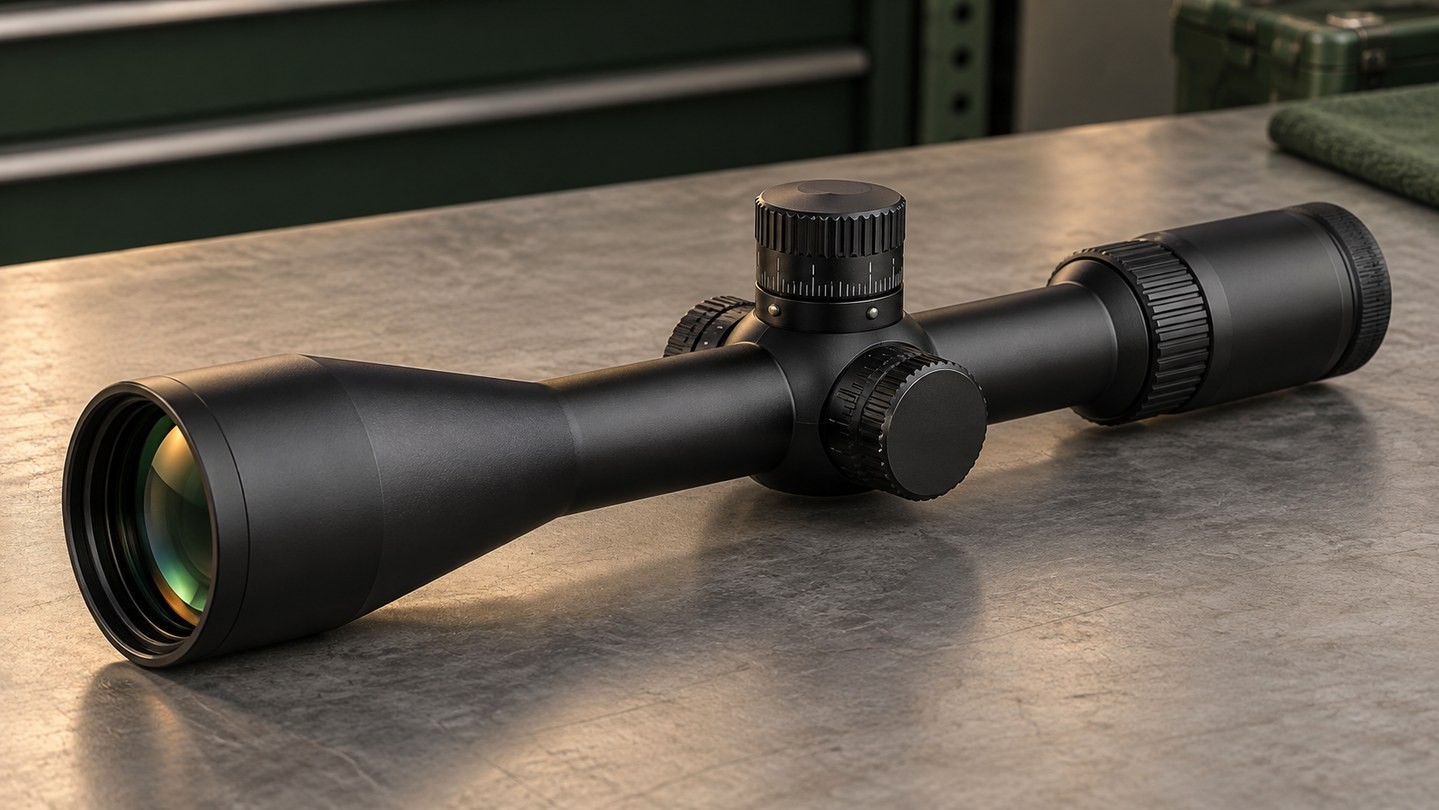
Once a turret can rotate beyond one full turn, the user needs a way to identify the current revolution. Manufacturers solve this in several ways:
- a collar or pin that rises as the turret enters another turn;
- a visual or tactile tab that changes position;
- stacked or dual-row markings for successive revolutions;
- a numbered revolution scale beside the turret body;
- a mechanical design that limits the dial to one turn.
These systems are not interchangeable. A raised indicator may signal the second revolution on one model, while another dial may use multiple indicator levels. Dual-row markings also need the exact maker's instructions: the second row is useful only when you know which revolution it represents and where its values begin.
Before relying on a multi-turn turret, identify the zero reference, the first-turn indication and every later-turn indication described in the manual. Do this while the equipment is stationary and before the setting matters.
How A Full-Turn Error Happens
Imagine a turret that starts at zero and later displays the number three. That visible three could be on the first turn or on a later turn. If the dial has no obvious revolution reference—or the reference is ignored—the setting can be wrong by exactly one turn even though the printed number looks familiar.
This mistake is easier to make after several adjustments, when returning from a distant setting, or when a dial is handled in low light. It can also happen when a user records only the number at the witness mark but not the revolution.
A better record includes both pieces of information: the angular setting and the turn. For example, a note can distinguish “first revolution” from “second revolution” instead of recording only the scale value. The wording should match the actual indicator system on that scope.
A Zero Stop Helps, But It Does Not Explain Every Turn
A correctly set zero stop provides a mechanical reference at or near the chosen zero. Turning the elevation dial back toward the stop can make the original setting easier to find without counting every click. That is especially useful after a multi-turn adjustment.
The feature still does not tell you everything about the dial. A zero stop does not automatically reveal the current revolution while dialing upward, increase travel per turn, create more total adjustment or prove tracking accuracy. Some stop systems also limit how far below zero the dial can move, so their setup and available movement are model-specific.
Zero reset is different again: it aligns the printed zero with the established setting but may not create a mechanical stop. The zero stop vs zero reset guide covers that difference in detail.
Total Travel Still Does Not Equal Travel Above Zero
A specification for total elevation adjustment describes the scope's overall mechanical range. After mounting and zeroing, the erector system may not sit exactly in the middle of that range. Part of the listed travel has already been used to align the optic with the rifle.
That means a scope can advertise more total travel than is available upward from the finished zero. A canted base can change where the zero sits within the existing range, but it does not add clicks to the scope. Read the total vs usable adjustment guide and the 0 MOA vs 20 MOA base guide before treating a catalogue total as usable elevation.
Travel per revolution answers how the dial is organized. Usable travel answers how far the installed system can move from its zero. Both matter, but they solve different parts of the problem.
What To Check In A Scope Manual
Before comparing or using a dial, record the following for the exact model and turret configuration:
- The adjustment unit: MOA or MRAD.
- The value of one click.
- The elevation travel per revolution.
- The number of usable revolutions or the dial's stated limit.
- The type and meaning of the revolution indicator.
- Whether the dial locks and how the lock is released.
- Whether it has a zero stop, a resettable zero scale, both or neither.
- The maker's procedure for setting the zero reference and indicator.
Do not transfer the instructions from a visually similar turret to another scope. Even within one product family, different adjustment units or dial options can change the increment, per-turn travel, stop and indicator behavior. The capped, exposed and locking turret guide can help separate access and protection features from the scale itself.
The useful specification is the one you can read correctly. More travel per revolution is not automatically better. It can reduce the number of turns, but the readability of the marks, the feel of the clicks, the revolution indicator and the available travel after zero all affect how usable the system is.
When comparing scopes, ask four separate questions: What does one click represent? How much adjustment is in one turn? How many turns are available? How does the dial show which turn it is on? Those answers tell you far more than a single total-travel number.
Browse Sporting Optics only after confirming that the turret unit, click value, travel per revolution, total range and revolution indicator match the way you plan to read and record adjustments.




Leave a comment