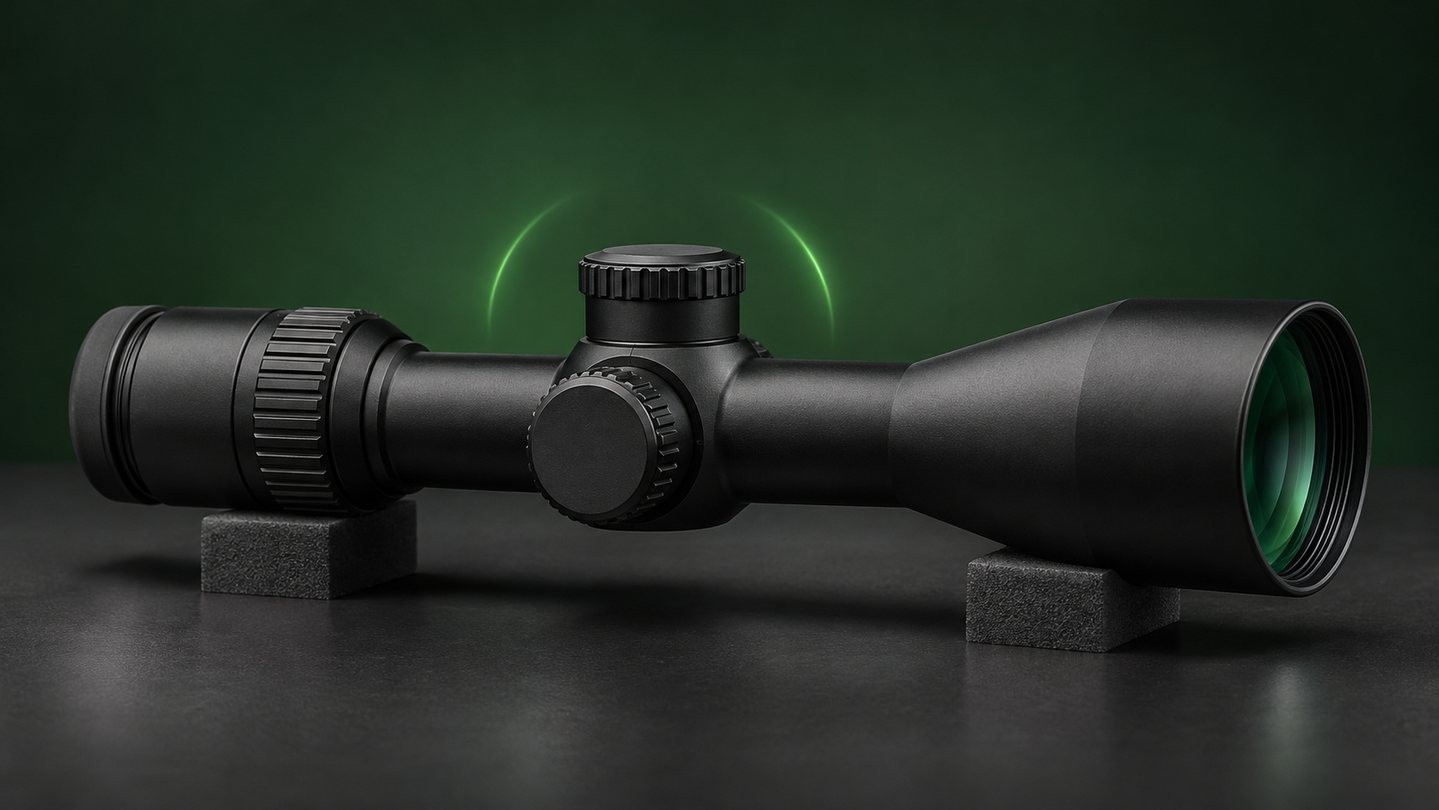
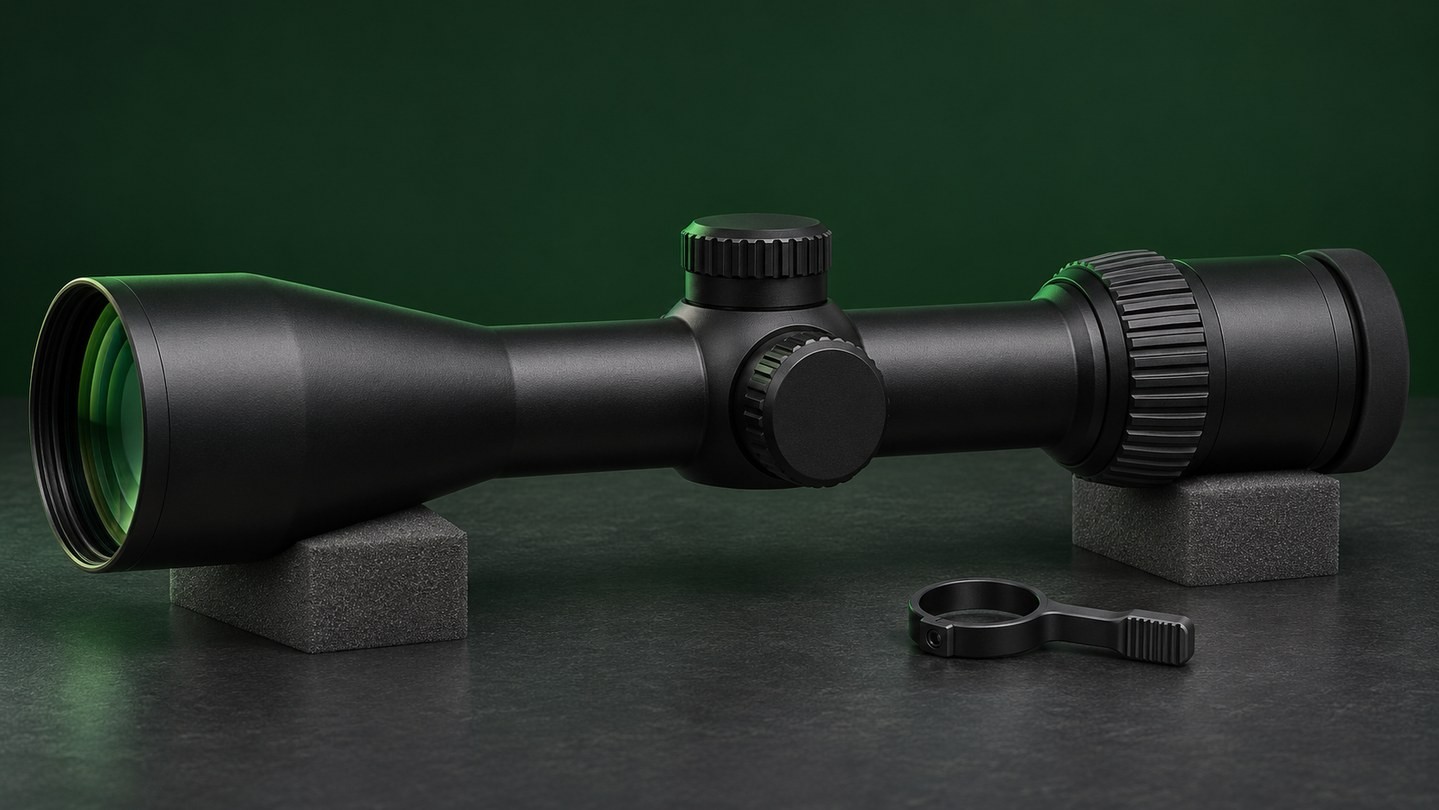
Cold weather does not automatically damage an optic, but a rapid change in temperature can create moisture exactly where you do not want it. The most common example is carrying a cold scope, red dot, prism scope or binocular into a warm, humid room. Water vapor meets the cold surfaces and condenses into droplets. A patient warm-up routine is usually safer than immediately wiping, opening or heating the device.
This guide explains what to do before, during and after a cold-weather outing. It separates ordinary exterior fog from warning signs inside the optic, and it covers batteries, cleaning and storage without assuming that every model has the same seals or temperature rating.
Why a cold optic fogs when you come indoors
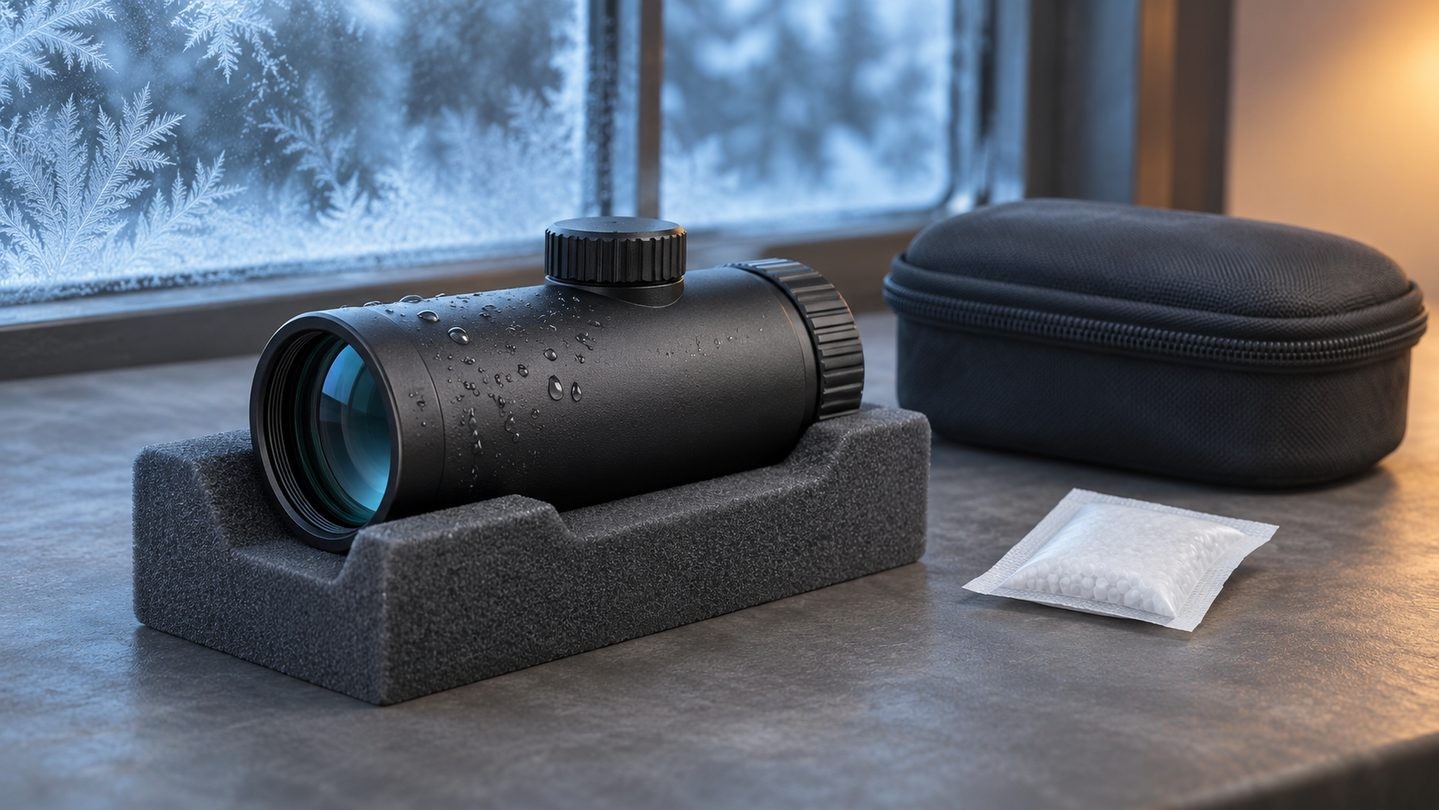
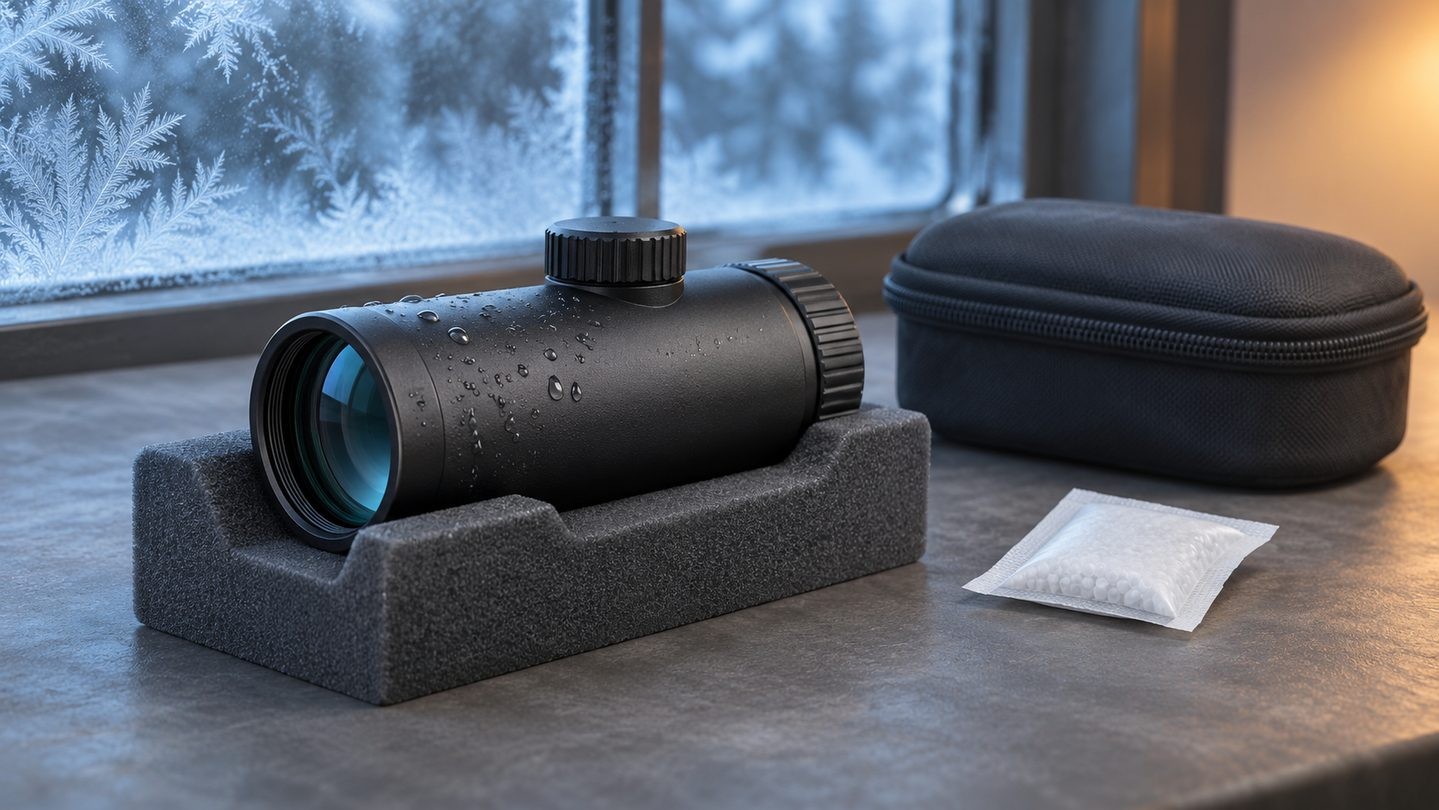
Condensation forms when moist air contacts a surface that is cold enough for water vapor to become liquid. Outdoors in dry winter air, the optic may look perfectly clear. Bring it into a heated vehicle or building, however, and the cold housing and lenses can quickly collect mist or droplets.
This is not unique to sports optics. Camera manufacturers recommend letting cold equipment warm gradually inside a closed bag because the bag slows the temperature change and limits contact with warmer, more humid air. The same conservative principle is useful for an optic: reduce the sudden transition instead of trying to fight the condensation after it appears.
Exterior fog and internal moisture are different problems
Fog on the outside of the objective or eyepiece is normally environmental. It should clear as the glass reaches the surrounding temperature. You can usually see or gently touch the moisture on the exposed surface.
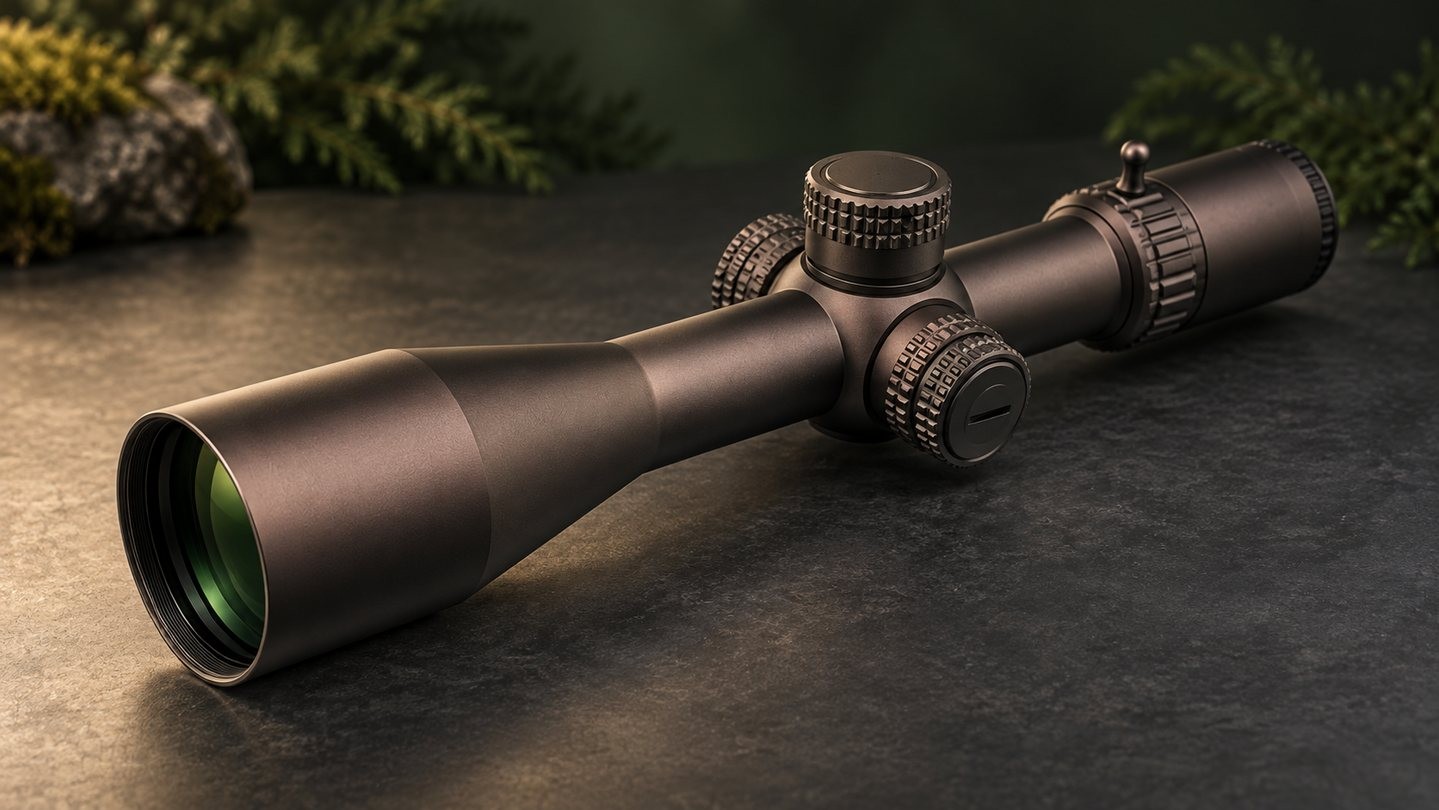
Moisture that appears behind a lens is different. A properly sealed, gas-filled optic is designed to keep humid outside air away from its internal surfaces, but construction and condition vary by model. If haze or droplets remain inside after the optic has acclimated, do not open the housing. Follow the manufacturer's service process. Our deeper guide to external condensation versus internal fogging explains the distinction in more detail.
Bag the optic before entering a warm space
Before stepping into a heated vehicle, cabin or house, place the cold optic in its closed protective case or a clean, dry bag. If the optic is attached to other equipment and cannot be cased separately, cover it with a clean protective bag while still outside. The goal is to trap relatively dry cold air around the optic and let the whole package warm slowly.
Keep lens caps fitted if they are dry. Do not open battery compartments, remove adjustment caps or change accessories during the transition. Openings that are harmless in stable conditions can invite humid air while the device is still cold.
Let temperature equalize without forced heat
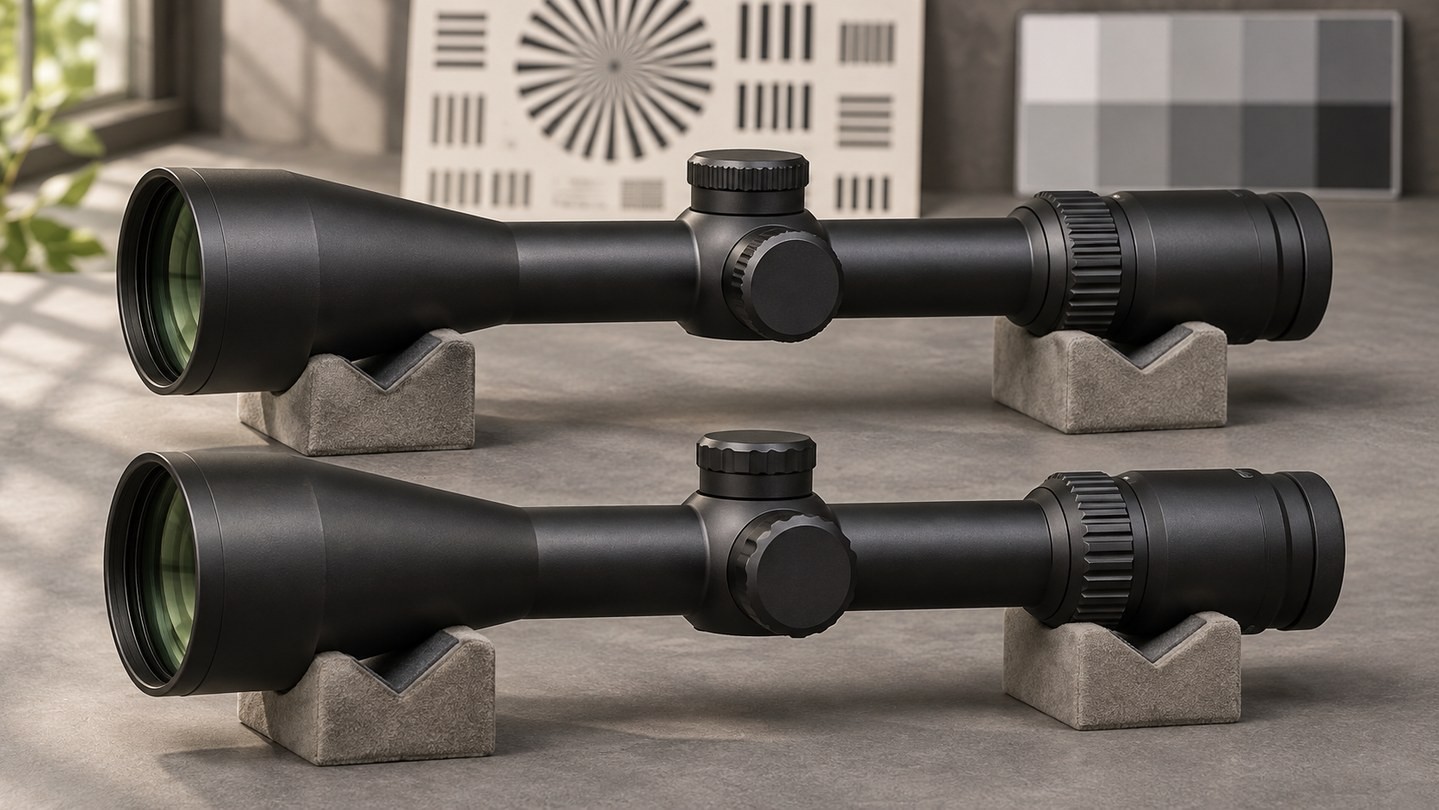
Set the closed case or bag in a dry area away from radiators, heater vents, stoves and direct high heat. Allow the optic to approach room temperature gradually. There is no universal waiting time: a compact red dot and a large metal scope do not warm at the same rate, and the temperature difference matters.
Use the housing as your practical cue. When it no longer feels distinctly colder than the room, open the bag and inspect it. Forced heat is unnecessary and may stress seals, lubricants, adhesives or finishes. A hair dryer is especially difficult to control because it combines heat with a stream that can carry dust.
Handle visible droplets without scratching the lens
If moisture remains on the outside after acclimation, first blot the housing with a clean, absorbent cloth. For the optical surfaces, resist the urge to rub immediately. Grit trapped in a droplet can move across the coating and leave a scratch.
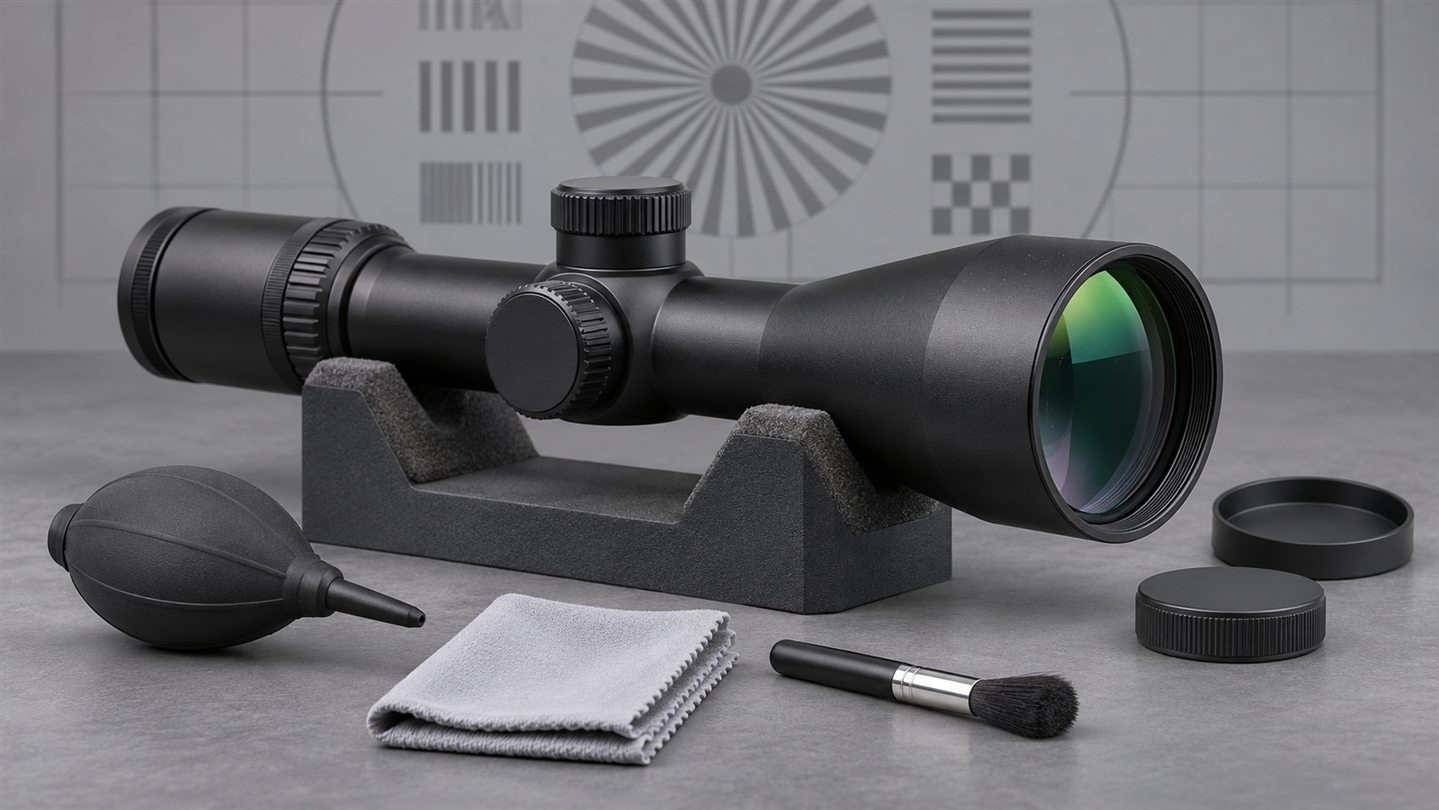
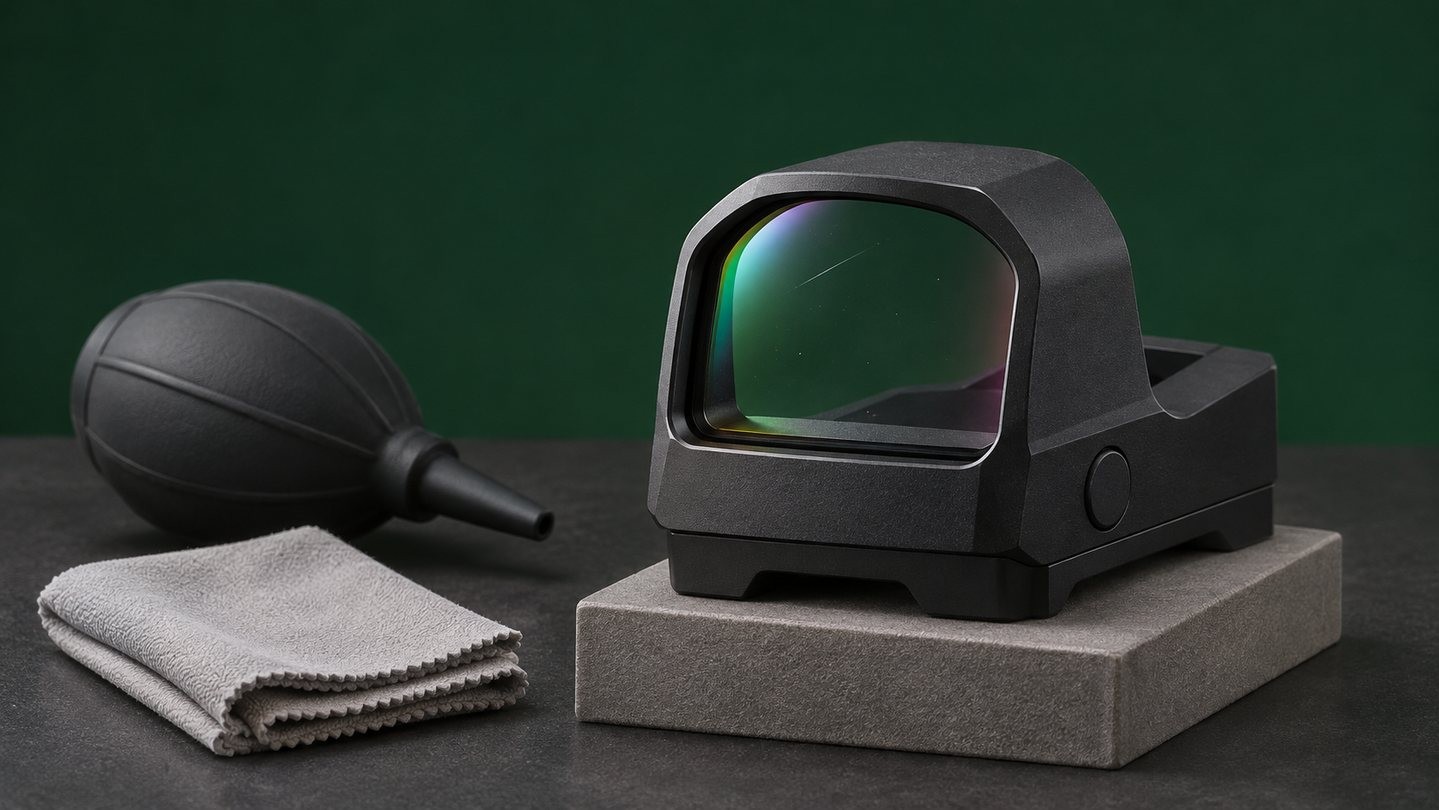
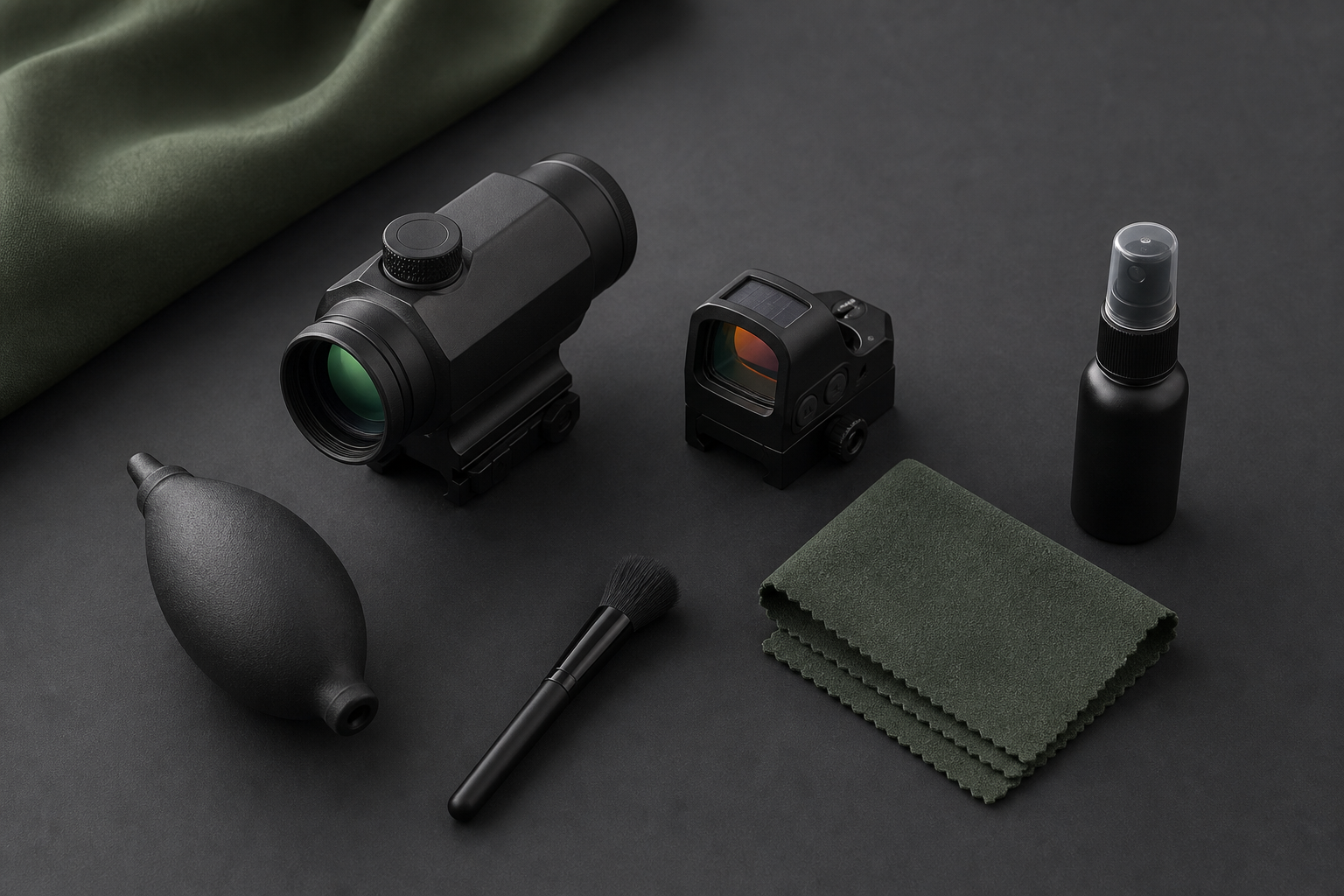
Remove loose particles with a hand blower or a clean, soft lens brush, then use a suitable lens cloth and manufacturer-approved cleaning fluid only if needed. Work gently from the cleaner center area outward and replace a contaminated cloth rather than continuing to spread debris. See our step-by-step guide to cleaning scope lenses without scratching them.
Expect battery performance to change in the cold
Cold conditions can make a battery appear weaker because electrochemical activity slows. An illuminated reticle or red dot may dim, respond slowly or show a low-battery warning earlier than expected. That does not prove the optic is defective, and it does not always mean the cell has permanently lost the same amount of capacity.
Start with a known-good battery of the exact type specified by the manufacturer. Carry a spare in its original packaging or a purpose-made holder, protected from loose metal objects. Never warm a coin cell with direct heat, place it loose in a pocket with keys, or mix old and new cells. For safe handling and disposal, review our coin-battery care guide.
Do not open the battery compartment while the optic is cold
If the device still works, wait until it has warmed in its closed bag before opening the battery compartment. Opening a cold compartment in a humid room can expose cold internal surfaces to moist air. When a battery change is genuinely necessary outdoors, choose the driest sheltered location available, keep snow and grit away from the seal, and close the compartment promptly.
Inspect the cap, threads and visible gasket without stretching or removing the gasket. Tighten only as the product instructions specify. Waterproof and fogproof claims are model-specific, so check the actual manual rather than treating one rating as universal. Our guide to waterproof, fogproof and IP terminology explains what those terms can—and cannot—tell you.
Dry the case before long-term storage
A protective case that collected snow, rain or condensation should not become the long-term storage environment. Once the optic is dry and at room temperature, remove it from the case and let the case dry fully with its compartments open. Store the optic in a clean, ventilated, low-humidity place rather than sealing residual moisture inside foam.
A fresh desiccant pack can help manage normal humidity inside a dry case, but it is not a repair for a wet optic or failed seal. Replace or regenerate desiccant according to its instructions. For longer storage intervals, follow the checklist in How to Store Optics.
A simple cold-weather routine
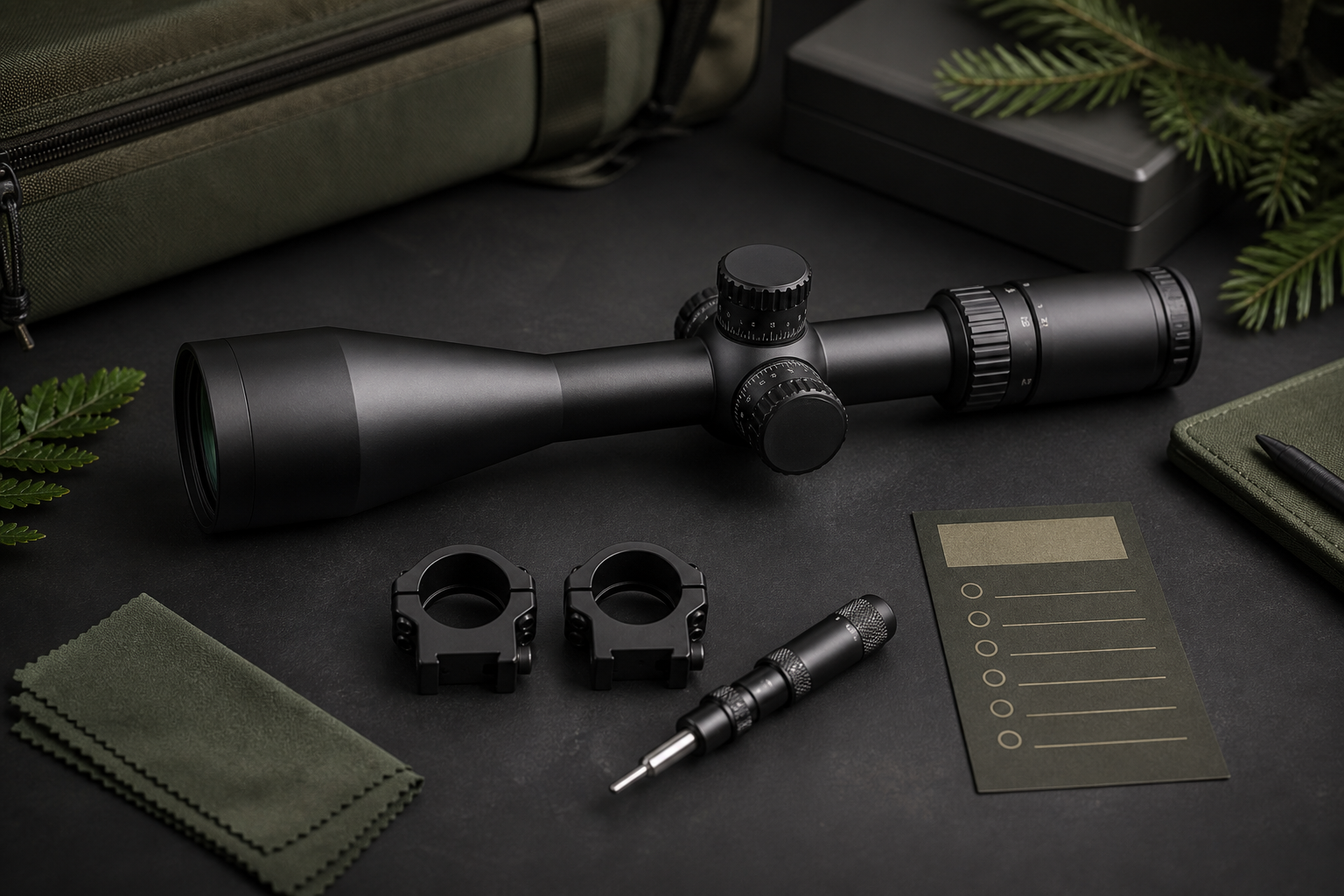
- Before going out, check the manual, lens caps, battery condition and case.
- In snow or freezing rain, shield openings and wipe the exterior before moisture freezes.
- Before coming indoors, place the cold optic in a clean, dry, closed bag or case.
- Let it warm gradually away from forced heat.
- After acclimation, inspect for exterior moisture, internal haze, debris and battery leakage.
- Clean only after loose grit has been removed, then dry the case before storage.
This routine is intentionally conservative. It works by limiting sudden humidity exposure and unnecessary handling, not by promising that every optic can tolerate the same conditions.
When the optic should be serviced
Stop troubleshooting and contact the manufacturer or a qualified service center if fog or droplets are clearly inside the optic after it has fully acclimated, if the battery compartment shows corrosion or a damaged seal, if controls bind after thawing, or if the image remains abnormal in stable indoor conditions. Do not disassemble a sealed optical housing or add household lubricant.
The practical takeaway is simple: keep the cold optic closed off from warm humid air, allow a slow return to room temperature, clean only when the surfaces are safe to touch, and treat persistent internal moisture as a service issue rather than ordinary winter fog.



Leave a comment