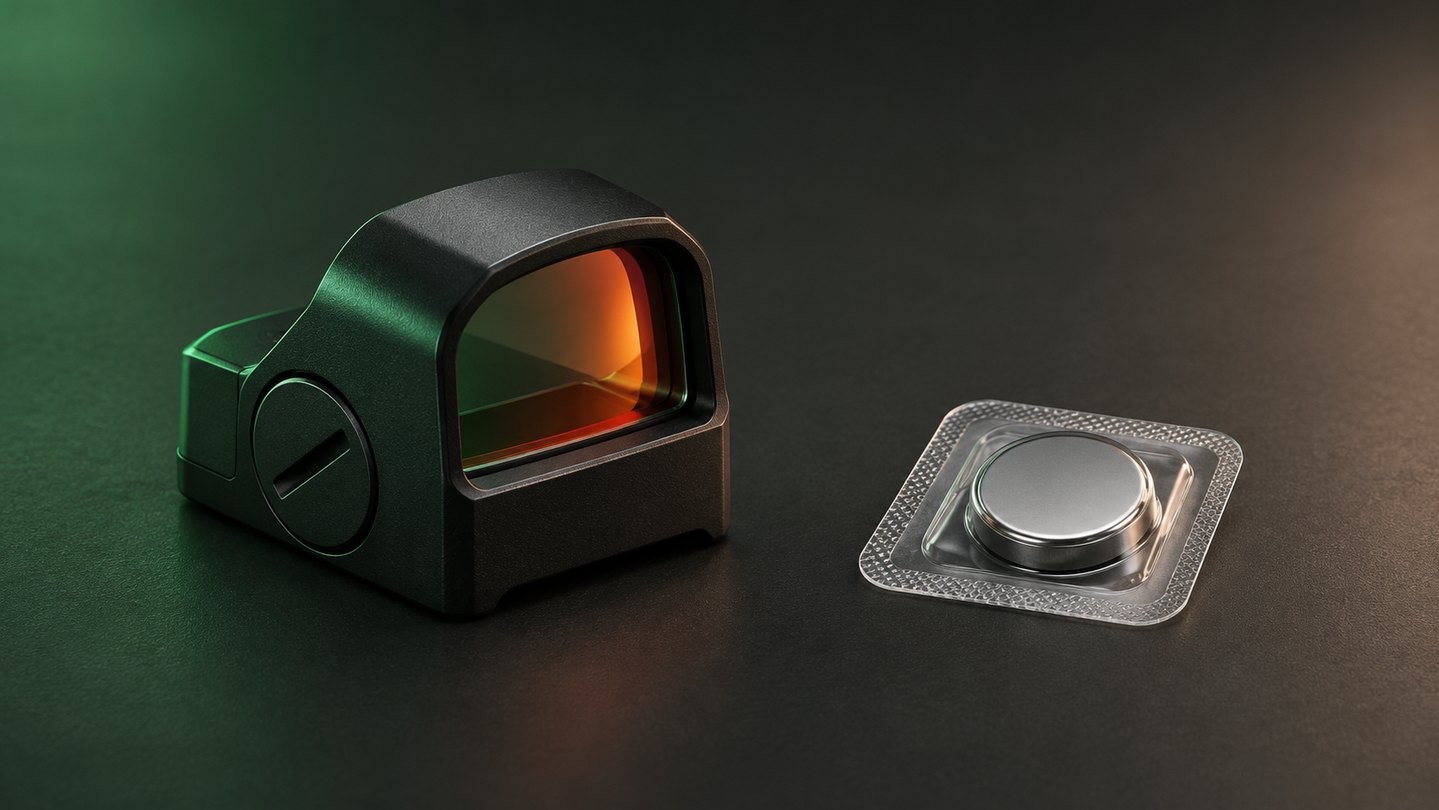
A coin battery change looks simple: open the compartment, swap the cell and turn the sight back on. Most problems begin when one of those steps is rushed. A similar-looking battery is substituted, polarity is guessed, a seal is pinched, or loose spare cells are dropped into a bag with keys and tools.
The safer approach is controlled and model-specific. Confirm the exact cell, follow the sight manual, keep the work area clean and protect every loose battery from children, damage and short circuits. This guide covers that process without assuming that every red dot uses a CR2032 or that every battery compartment opens the same way.
Check the exact battery code before opening the sight
Read the sight manual, the existing battery and the product label before buying a replacement. Common coin-cell codes such as CR2032, CR2025 and CR2016 describe different physical sizes. The first two digits generally indicate diameter and the last two indicate nominal thickness in tenths of a millimetre, but the device maker's specified code—not appearance alone—should control the choice.
Do not assume that a cell is correct because it fits inside the opening. A thinner cell may fail to maintain stable contact. A thicker one may prevent the cap or tray from closing correctly or place stress on the compartment. Chemistry, voltage and terminal arrangement also matter.
Our guide to top-, side- and bottom-loading battery access explains why the replacement procedure changes with the compartment layout.
Why similar-looking coin cells are not interchangeable
Coin cells can share the same diameter while having different thicknesses and capacities. Manufacturers also use different letter prefixes to identify chemistry. A device designed for one type should not be treated as a test fixture for another.
Use the exact designation stated by the sight manufacturer unless that manufacturer publishes an approved equivalent. Do not stack two thinner cells to imitate one thicker cell. Do not add foil, loose shims or other conductive material to improve contact. Those improvisations can create pressure, short circuits or unreliable power.
Battery-life figures also should not be used to choose a substitute. Published runtime depends on the exact sight, cell, brightness level, temperature and operating mode. Our article on red-dot battery-life claims explains why one headline number is not a universal result.
Prepare a clean, controlled workspace
Turn the sight off if its instructions provide an off setting. Work over a clear, dry surface where a small cap, tray, screw or seal cannot roll away. Keep drinks, loose metal objects and cleaning chemicals out of the area.
Before opening anything, note how the battery compartment is assembled. A quick photograph can record the cap orientation, tray direction and visible seal. Use only the tool specified by the manufacturer; an oversized screwdriver, improvised blade or metal pick can damage the slot, slip into the compartment or bridge electrical contacts.
If the sight is attached to other equipment, follow the manufacturer's safe handling and removal instructions. The battery change itself does not require access to internal electronics or sealed optical components.
Replace the battery without damaging the compartment
Remove the old cell without prying against delicate contacts. Check the polarity marking on the sight or in the manual, then install the new cell in that orientation. The positive face is commonly marked with a plus sign, but the sight's instructions remain the controlling reference.
Inspect only the user-accessible parts. Look for dirt, moisture, corrosion, a torn seal, a bent tray or foreign material that prevents the battery from sitting flat. Do not bend contacts, scrape coatings or add lubricant. If cleaning is permitted, use the method and materials specified for that exact model.
Close the cap, tray or door evenly. A threaded cap should start without cross-threading; a tray should sit flush; a screw-secured cover should use the stated hardware and torque. Do not force the compartment closed around a cell that seems too thick. A pinched or missing gasket may affect environmental sealing, but installing a fresh battery does not prove that a sight remains waterproof.
Verify operation before returning the sight to use
Turn the sight on and check more than one normal daylight brightness level. If it uses automatic brightness, motion activation, a lockout or button sequence, confirm that the selected mode matches the manual. A dim or absent dot is not automatically a bad battery.
If the sight does not operate, stop and recheck the exact cell code, polarity and compartment seating. A known-good battery can help separate a discharged cell from another fault, provided it is the correct approved type. Do not repeatedly open a damaged compartment or overtighten its cap.
For intermittent behavior, use the controlled sequence in our red-dot flickering checklist. For normal control differences, see manual versus automatic brightness.
Store spare batteries so they cannot short
Keep unused coin cells in their original child-resistant retail packaging until needed. Store them in a dry place at normal room temperature, away from direct heat. Refrigeration is not a general battery-life solution, and temperature cycling can introduce condensation.
Never carry loose coin cells in a pocket, tool pouch or unprotected compartment with keys, coins, screws or jewellery. Metal objects can connect the two faces of a coin cell and create a short circuit. If the original package is unavailable, place each battery in an individual non-conductive protective case that prevents terminal contact.
Do not store new and used cells together without clear separation. Mark the purchase or installation date in a service note rather than writing across the battery with a conductive or damaging tool.
Handle used or damaged cells safely
A removed coin cell may still hold enough energy to short. The U.S. Consumer Product Safety Commission advises covering the terminals of a discharged button or coin cell with non-conductive tape and taking it to a battery-collection centre. Disposal and recycling rules differ by country and municipality, so follow the current local requirements.
Do not recharge a primary lithium coin cell unless it is specifically designed and labelled as rechargeable. Do not crush, puncture, burn or disassemble a cell. Stop handling a battery that is swollen, leaking, unusually hot or physically damaged; isolate it from people and combustible materials without touching leaked material, then follow the cell manufacturer's and local authority's instructions.
The sight should also be taken out of service if its compartment is cracked, will not close securely or shows significant corrosion. Internal repair belongs with the manufacturer or an authorised service centre.
Keep coin batteries away from children and pets
Coin batteries are small enough to be swallowed. They can cause severe internal injury, so both new and used cells must remain out of reach and sight of children. Do not leave a removed battery on the workbench “for a moment,” and do not allow children to handle packaged cells or battery-powered equipment with a damaged compartment.
If a person may have swallowed a coin battery, seek emergency medical help immediately and follow the current instructions from the appropriate poison-control or health authority. Do not wait for symptoms. The exact emergency contact depends on the country.
Pets can also swallow small batteries or damage them by chewing. Treat the work area, waste container and spare-storage location as controlled spaces rather than ordinary drawers.
Keep a simple battery-change record
Record the sight model, exact battery code, battery brand or batch if available, installation date and any unusual symptom. Note the brightness setting or operating mode used most often. This information is more useful than guessing how many hours the sight has run.
If a problem returns, photograph the compartment exterior and describe when the symptom occurs. Do not open the sealed housing. Clear notes help the seller or manufacturer distinguish a cell issue, an operating-mode question and a service problem.
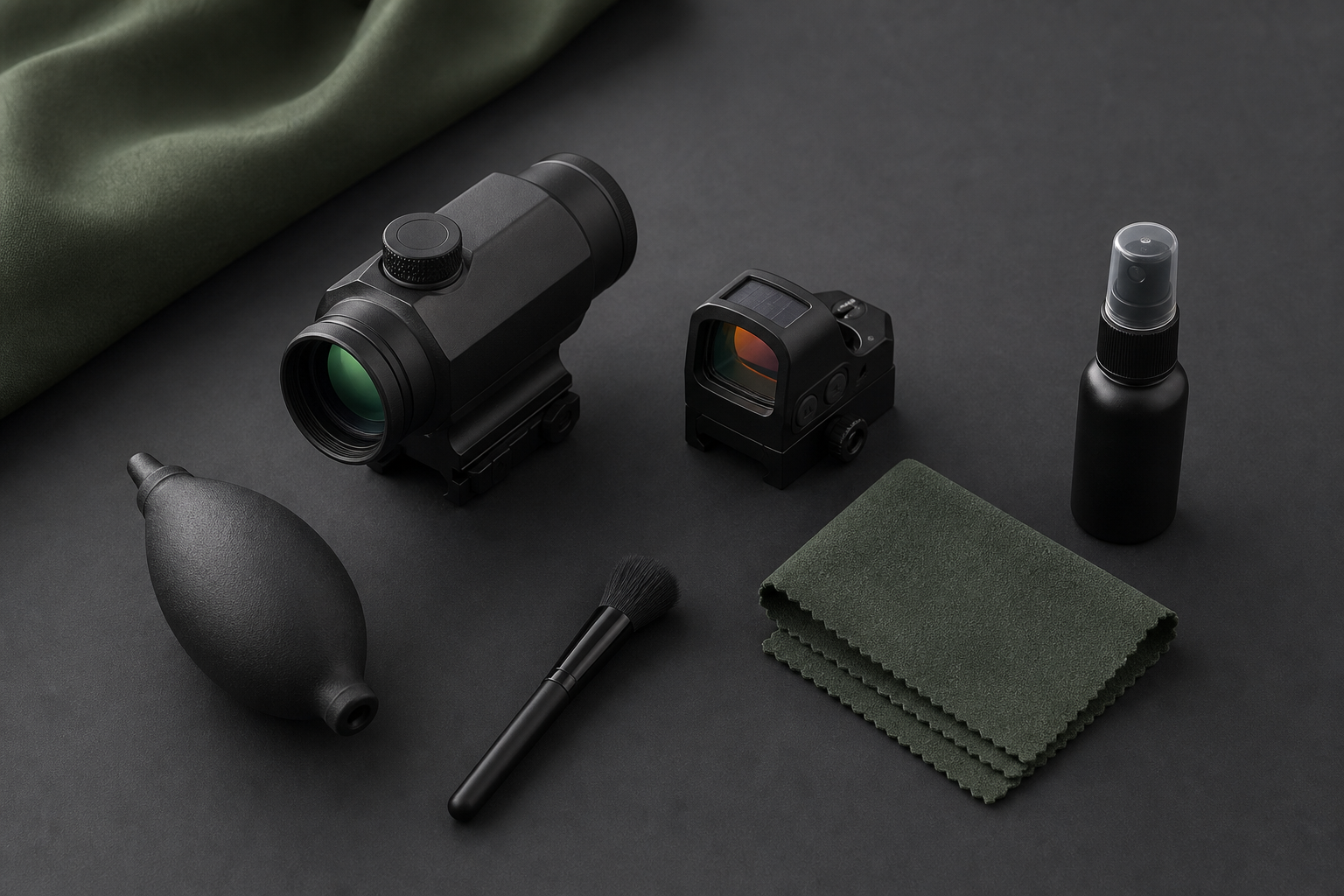
External lens care is a separate job. If the window needs attention while the battery is being changed, follow the particle-first sequence in our guide to cleaning a red dot sight.
A practical battery-care checklist
Before closing the case or storage cabinet, confirm that:
- the replacement cell matches the exact model requirement;
- polarity follows the sight manual;
- the cell lies flat and the cap, tray or door closes normally;
- no seal is missing, pinched or visibly damaged;
- the sight operates through its documented control sequence;
- spare cells remain in original packaging or individual protective cases;
- removed cells have protected terminals and are routed to the correct local collection point; and
- every battery is inaccessible to children and pets.
A careful battery change is not complicated. It is simply specific: use the right cell, keep conductive objects away, preserve the compartment and treat loose coin batteries as safety-sensitive items. For more setup and maintenance topics, visit the USEEIN optics buying guides.







Leave a comment