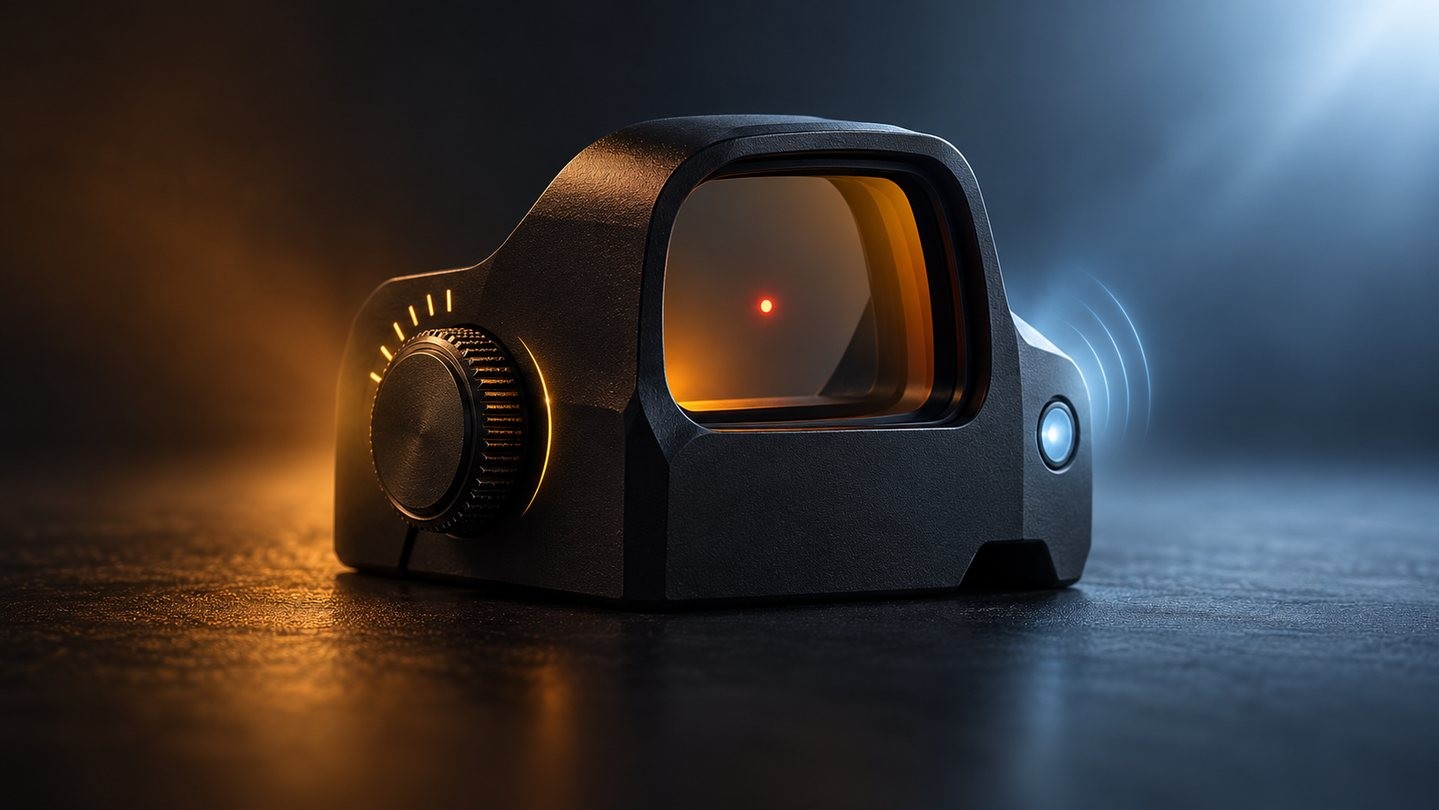
Red dot brightness can be controlled by buttons or a dial, adjusted automatically by a sensor, or handled by a system that combines both. None of these approaches is universally best. They solve different problems.
The useful comparison is not “automatic or advanced?” It is how the sight behaves when the target area and the shooter’s location have very different light levels.
Manual control is predictable
With manual control, the user chooses the intensity. That is useful when lighting is unusual or when a consistent dot appearance matters more than convenience. The setting stays where it was left until it is changed or the sight powers down according to its design.
The trade-off is responsibility. A setting that looked fine indoors may bloom outdoors at dusk, while a setting chosen in bright sun can disappear against a dark background. The user has to notice and correct it.
Automatic control responds to a sensor
An automatic system reads ambient light and selects an intensity according to its programming. In even lighting, this can be quick and unobtrusive. It also reduces the number of controls the user must manage.
The sensor cannot literally see the scene the same way the eye does. If the sight is in shade while the target area is bright, or the sight is under a strong lamp while the target is dark, the chosen intensity may not be ideal.
Mixed lighting is the real test
Try the sight near a window, under a covered firing point, and while looking from a darker room toward a bright outdoor area. The goal is not maximum brightness. The dot should be visible without becoming a large glowing shape that hides detail.
Our illumination brightness guide explains why turning an illuminated aiming point higher is not always helpful.
Hybrid controls can offer a useful fallback
Some sights provide automatic operation with a manual override or several bias settings. That can combine convenience with a way to correct unusual lighting. The exact behavior is model-specific, so check how long an override lasts and what happens after power cycling.
Night-vision labels need context
Very low settings may be intended for compatible night-vision equipment rather than unaided viewing. A label such as “NV” does not guarantee compatibility with every device or mounting arrangement. Treat those positions as model-specific features and follow both manufacturers’ instructions rather than testing them as ordinary dim settings.
What to compare before buying
- Does the sight offer manual, automatic or hybrid control?
- Where is the light sensor, and can it be shaded by a cover?
- Can the user correct the automatic result?
- Are the lowest and highest settings useful in real conditions?
- Does changing brightness affect battery-life expectations?
- Are the controls easy to identify without looking away for long?
Automatic brightness removes a step; manual brightness preserves direct control. Test the conditions that are hardest for a sensor, then choose the behavior you would rather manage.


Leave a comment