A red dot sight can be described as “night-vision compatible” even though it cannot see in the dark. That wording sounds contradictory until you separate the sight from the night-vision device.
The short version is simple: a night-vision-compatible red dot can reduce its reticle to an extremely low output level that a compatible night-vision device can display without the dot overwhelming the intensified image. The red dot still provides the aiming reference; the night-vision device provides the amplified view.
That distinction matters when comparing specifications. A few very dim settings do not turn an ordinary reflex sight into a digital night-vision optic, and the number of compatible settings is not a universal measure of quality.
Night-Vision Compatibility Is Mainly a Brightness-Control Feature
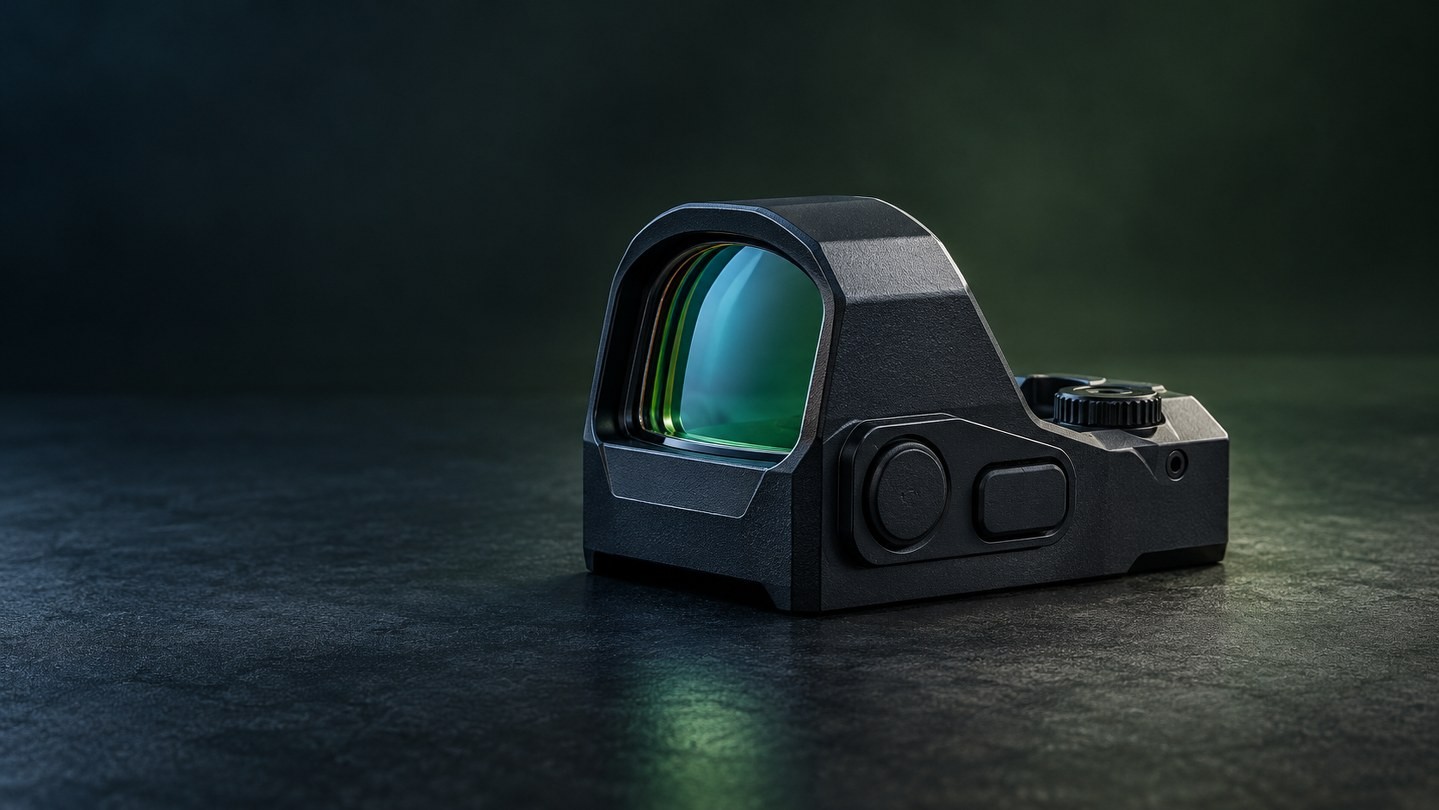
In a conventional red dot sight, an LED sends light toward a coated optical surface so the user sees an illuminated aiming point through the window. Under daylight, the reticle needs enough intensity to remain visible against a bright scene. A night-vision device changes that requirement.
Image-intensifying equipment is designed to work with very small amounts of light. A reticle that looks appropriately bright to the unaided eye can appear much too strong through that device, spreading into a large glow and obscuring detail around the aiming point. A compatible setting reduces the emitter output far below ordinary daylight levels.
EOTECH describes the same practical goal in its model-specific manual: the night-vision reticle level is low enough to avoid blooming when viewed through a compatible device. Aimpoint, Trijicon and Holosun likewise identify dedicated night-vision-compatible levels on selected models. The exact number of levels and the way they are selected vary by sight.
It Does Not Mean the Red Dot Contains Night Vision
This is the most important buying distinction.
A standard night-vision-compatible red dot normally contains no low-light camera, image intensifier, infrared sensor or viewing display. Looking through it with the naked eye does not reveal a scene that would otherwise be invisible. Its special settings simply make the reticle suitable for viewing through separate night-vision equipment.
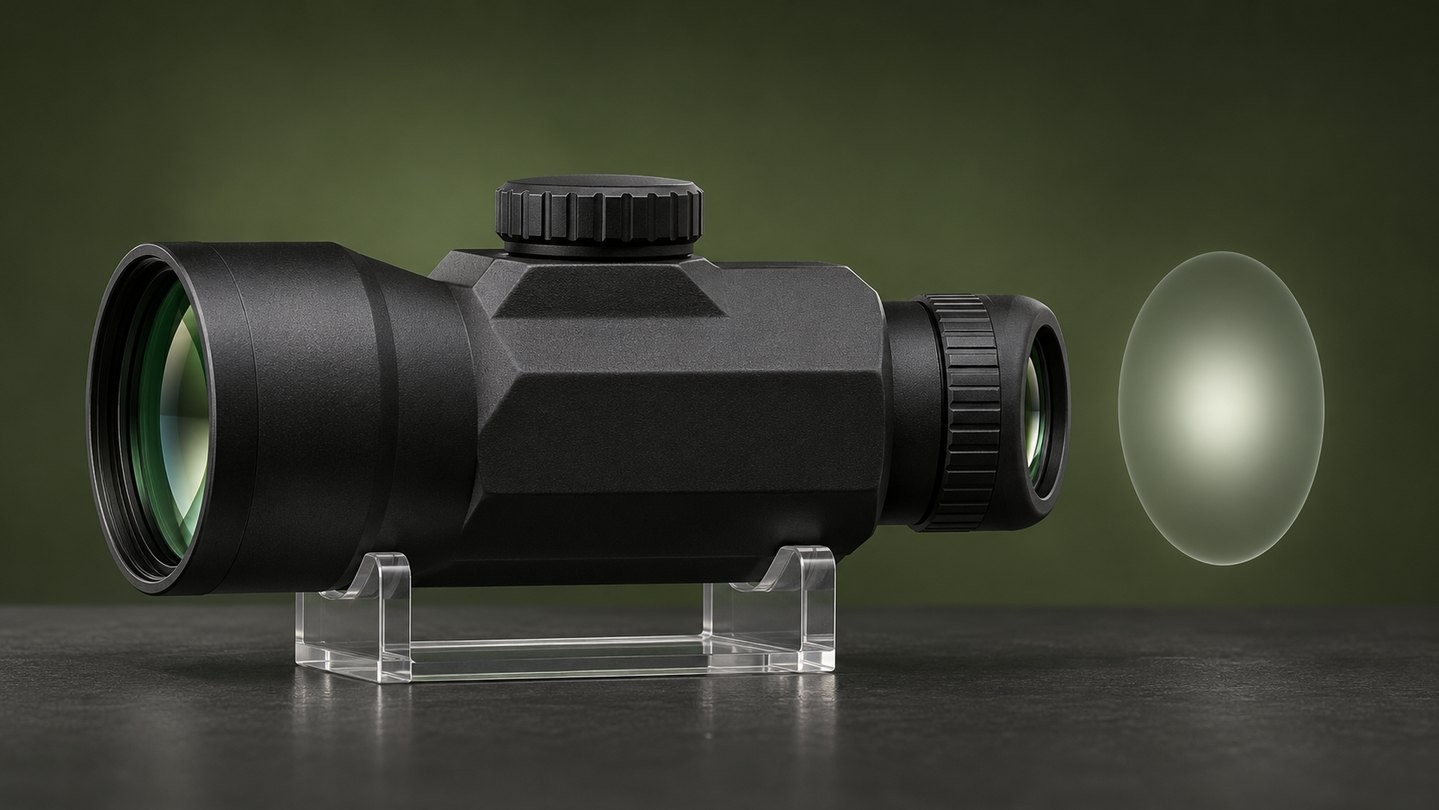
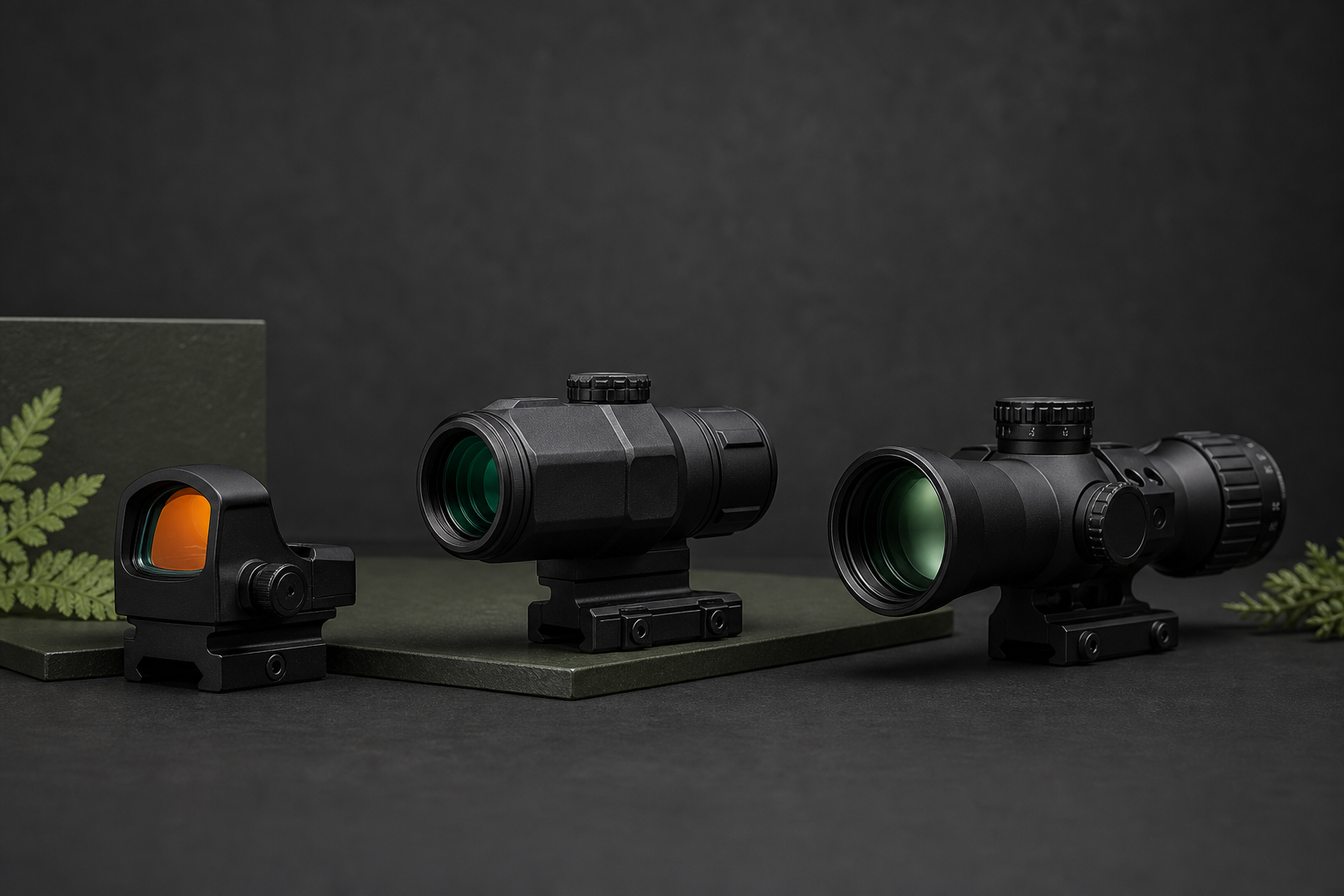
An integrated digital night-vision optic is different. It uses a sensor, processing electronics and a display to create the image. Some products combine a digital night-vision channel with a red dot, but that is a different architecture from a conventional reflex sight with very dim reticle settings. Our overview of five common sight types explains why electronic viewing systems should be separated from ordinary red dots.
| Product description |
What it changes |
What it does not provide by itself |
| Low daylight brightness setting |
Makes the reticle comfortable in dim visible light |
A night-vision image |
| Night-vision-compatible reticle setting |
Reduces reticle output for use with compatible night-vision equipment |
A sensor or amplified scene |
| Integrated digital night-vision optic |
Uses a sensor and display to create a low-light image |
The same viewing behavior as a simple reflex sight |
Why Can the Dot Disappear to the Naked Eye?
On a genuine night-vision setting, the reticle may look extremely faint or completely invisible without the viewing device. That is often normal, not evidence that the sight has switched off.
Some manufacturers state this directly. Aimpoint notes for one model that its lowest compatible settings are not visible to the unaided eye but become visible through night-vision equipment. Holosun similarly explains that selected automatic modes can dim a reticle to a level intended for a night-vision device.
Do not judge the function by looking through the sight in a normally lit room. Instead, follow the exact manual for the sight and the viewing device. If you need to confirm ordinary operation first, return to a documented daylight level rather than assuming every low-numbered setting has the same purpose across brands.
Night-Vision Settings Are Not Standardized
One product may use a rotary dial with several low positions. Another may have a dedicated NV button. A third may place compatible output levels inside a manual or automatic brightness range. Even the number of night-vision settings varies: official examples from major manufacturers range from two compatible levels to ten additional levels.
Those differences mean that a product page should answer more than “yes” or “no.” Check:
- whether the exact model—not merely the product family—is listed as night-vision compatible;
- how the compatible mode is entered and exited;
- which control positions are intended for daylight and which are intended for a viewing device;
- whether the maker specifies compatible device types or generations;
- whether automatic brightness can reach a compatible level;
- whether the last setting is remembered after shutdown;
- what the manual says about battery behavior and automatic shutoff.
The broader choice between sensor-controlled and user-controlled brightness is covered in our guide to manual vs automatic red dot brightness.
More Compatible Settings Do Not Automatically Mean Better Performance
Ten night-vision levels may provide finer adjustment than two, but the count alone does not prove a clearer image, better glass or wider compatibility. The usable result also depends on the reticle pattern, the viewing device, ambient light, alignment, optical coatings and how much adjustment range is actually useful in that setup.
The same caution applies to reticle choices. A circle-dot pattern covers more illuminated area than a small dot, so the most comfortable intensity can differ even within one sight. If a model offers selectable patterns, verify whether every pattern is available in the compatible mode. Our red dot reticle modes guide explains why “multi-reticle” describes a control option rather than a universal set of patterns.
Battery-life figures also need context. A very low output can consume less power than a bright daylight setting, but published runtime is normally tied to a named setting, temperature and test condition. Do not assume that a long runtime quoted for one daylight level applies to every mode. See how to read red dot battery-life claims for a more useful comparison method.
Common Signs That the Brightness Is Wrong
When the reticle is too bright through a night-vision device, it may expand into a fuzzy glow, wash out nearby detail or dominate the image. Lowering the intensity is the first check, but it is not the only one. Device focus, gain, alignment and ambient light can also change what you see.
If no reticle appears, avoid jumping immediately to a hardware fault. Work through the model manuals and check:
- the red dot has power and operates on a documented daylight level;
- the selected control position is actually an NV-compatible setting;
- the night-vision device is powered, focused and configured correctly;
- the two optical paths are aligned for the intended viewing arrangement;
- protective caps or accessories are not blocking either view;
- automatic brightness has not selected a level that is inappropriate for the current scene.
If the dot is clear without night vision but blooms through the device, that points first toward excessive reticle intensity rather than a zeroing or mounting problem. If the dot is distorted in every mode, inspect brightness, eyesight and camera behavior separately before blaming night-vision compatibility.
What Should You Compare Before Buying?
Start with the equipment you actually intend to use. A generic “NV compatible” badge is less useful than a manual that names the compatible settings and explains the control sequence.
Then compare the ordinary red dot features that still matter during daytime use:
- housing style and environmental protection;
- mounting footprint and required adapter;
- dot or reticle pattern;
- manual and automatic brightness behavior;
- battery type, access and published runtime conditions;
- button lockout, memory and auto-off behavior;
- dimensions, weight and optical-centerline height;
- warranty and available technical documentation.
Open and enclosed housings can both offer compatible brightness settings; enclosure style describes protection around the emitter, not whether the sight has an NV mode. The open vs enclosed red dot guide covers that separate decision.
A Practical Reading Rule
Read “night-vision compatible” as a statement about reticle output and documented interoperability—not as a promise that the sight can create a night image by itself.
Confirm the exact model, read the control instructions, and treat setting counts as model-specific. If the product page does not identify how compatibility works, ask for the manual before buying. A clear specification should tell you which settings are intended for night-vision equipment and how to return safely to normal brightness.
After that, compare the sight as you would any other red dot: mounting fit, housing, reticle, controls, battery access and support. You can browse USEEIN red dot sights after defining those requirements rather than choosing from the compatibility label alone.


Leave a comment