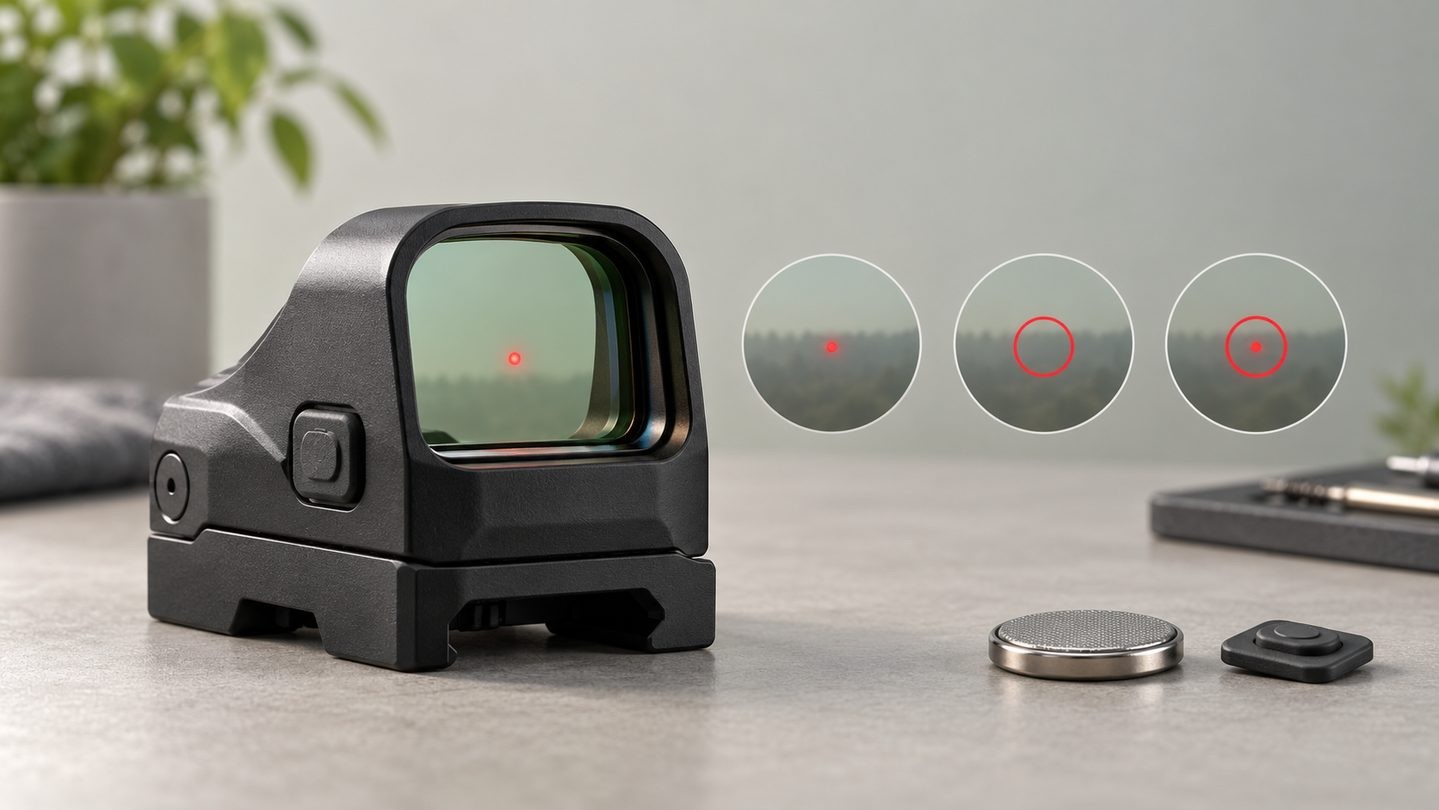
Red dot sights are often described by the color and size of the aiming point, but some models also let the user switch between different illuminated patterns. A small dot, a large circle and a combined circle-dot can look very different through the same window.
These options are not universal. Some sights provide only one fixed dot, some switch between two patterns, and others add a circle-only mode. The exact controls and available patterns must therefore be checked in the manual for the specific model.
A dot-only reticle keeps the view simple
A single illuminated dot places the least visual information in the window. It can be useful when the user wants an uncluttered sight picture or when a large ring would cover too much of a small or distant reference.
Dot size still matters. A smaller MOA value produces a smaller angular reference, while a larger value is easier to notice but covers more of the view. Our 2 MOA vs 3 MOA vs 6 MOA guide explains that trade-off in more detail.
A circle can guide the eye toward the center
A large illuminated ring is not simply a bigger dot. It frames an area around the center and can make the center of the viewing window easier to locate. On models that offer a circle-only setting, the middle remains open rather than being filled by a central dot.
Circle diameter is normally stated in MOA. That number describes an angle, not a fixed physical size. The area represented by the circle grows as distance increases, so the same 32 MOA or 65 MOA ring should not be read as one universal distance label.
Circle-dot combines two visual references
A circle-dot reticle displays a central dot inside a larger ring. The dot provides a precise central reference, while the ring gives the eye a broader shape to find. The result may feel faster or busier depending on the window size, brightness, lighting and the user's vision.
Do not assume the ring and dot can always be controlled independently. Some products switch only between circle-dot and dot-only; others also provide circle-only. A product listing that says “multi-reticle” should identify the actual selectable patterns.
“Multi-reticle” describes options, not one standard layout
Multi-reticle is a feature category rather than a universal specification. Official manufacturer material shows that available combinations differ by model. One sight may use a 2 MOA dot with a 65 MOA circle, while another uses a 2 MOA dot with a 32 MOA circle. Newer systems may offer additional ring sizes.
The safe comparison is therefore:
- List every selectable pattern.
- Record the dot and circle sizes in MOA.
- Check whether the sight remembers the last pattern.
- Confirm whether pattern selection changes in automatic or locked modes.
- Read the exact button sequence in the model's manual.
Reticle mode is different from brightness mode
Changing the pattern is not the same as changing brightness. Brightness controls how strongly the emitter appears; reticle selection changes which illuminated elements are active. A pattern that looks cluttered may simply be too bright for the surroundings, while a circle that seems faint may need a higher setting.
Some sights also include automatic brightness, motion activation or lockout modes. Those functions may affect how the selected reticle returns after sleep or a power cycle. See our guide to shake-awake, auto-off and always-on operation for the power-mode side of the comparison.
More illuminated elements can affect runtime
Battery-life claims are normally measured under a stated brightness, battery and test condition. A dot-only pattern and a circle-dot pattern may not draw the same amount of power. The difference depends on the electronics, so it should not be guessed from reticle size alone.
When comparing runtimes, use the same brightness and reticle mode, then read the conditions behind the manufacturer's figure. Our red dot battery-life guide explains why headline numbers are not directly interchangeable.
Window size and housing still shape the experience
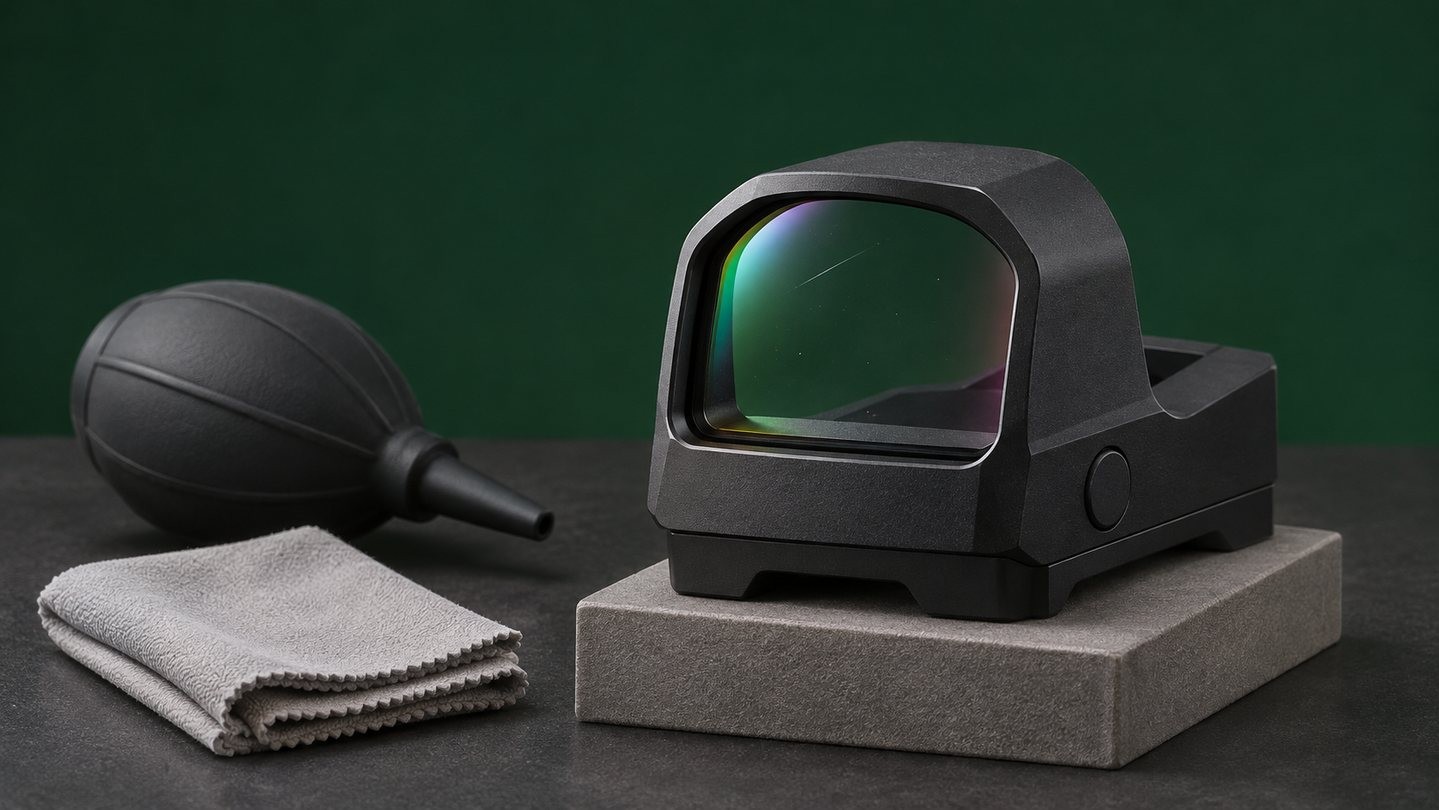
A large ring does not replace a larger viewing window. Window dimensions, housing thickness and eye position all affect how easily the pattern is seen. Likewise, choosing between an open and enclosed red dot sight changes environmental protection and housing form, not automatically the available reticle patterns.
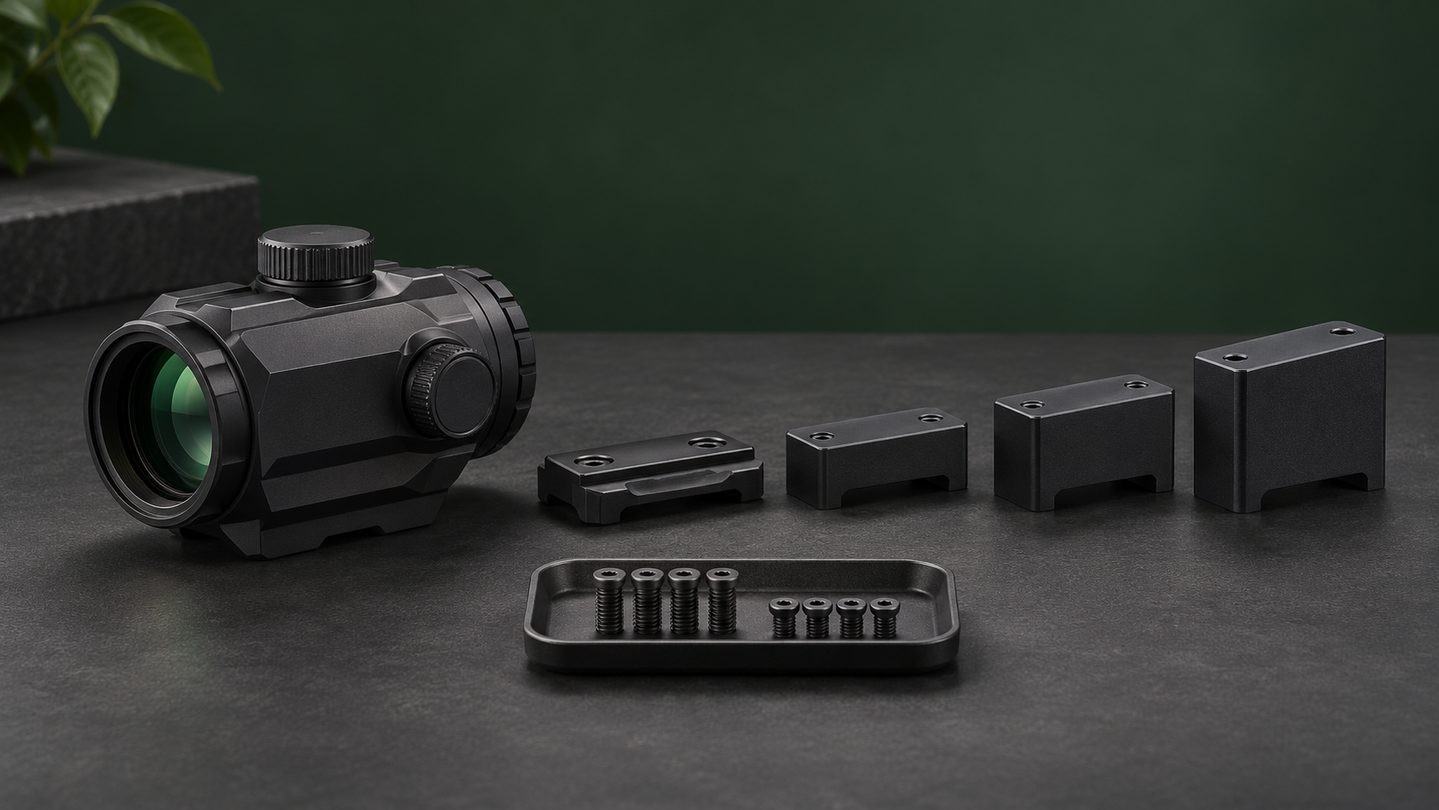
Treat reticle mode as one part of the full product specification alongside footprint, mount height, window size, adjustments, battery access and environmental protection.
A practical comparison routine
If you can inspect the sight before buying, compare each available mode at the same brightness. Look at a bright background and a shaded background, then check whether the outer ring helps you find the center or simply adds clutter. If you cannot inspect it, use the manual—not only marketing images—to confirm the patterns and control sequence.
The best mode is not the one with the most graphics. It is the simplest pattern that remains easy to find and clear enough for the intended viewing conditions.


Leave a comment