Electronic sights are often described with reassuring phrases: shake-awake, auto-off, always-on. The names sound simple, but the details behind them determine how the sight behaves in a case, a vehicle, on a bench or after weeks of storage.
These modes do not create battery life by themselves. Battery type, brightness, temperature, electronics and actual motion all affect the result.
Motion activation waits for movement
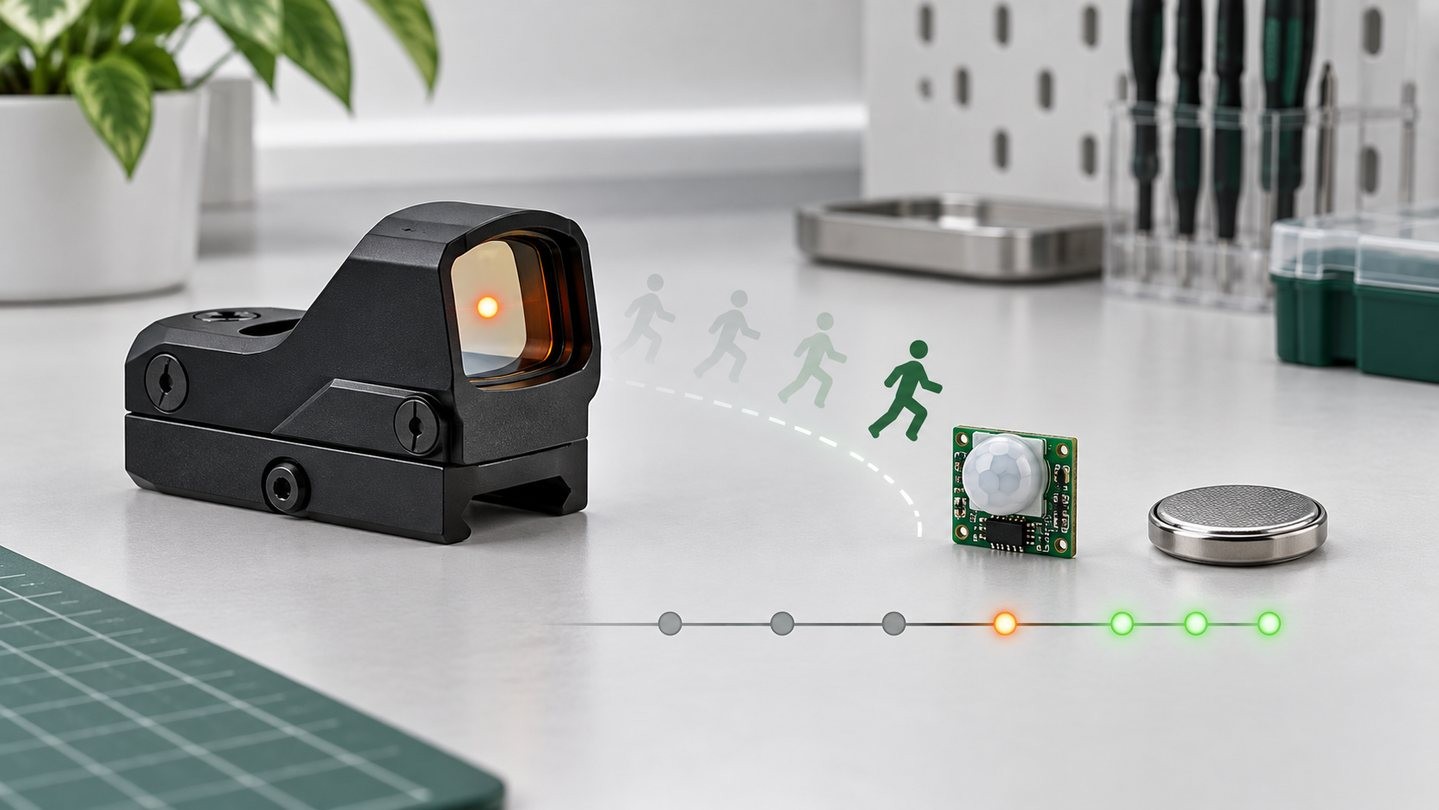
A motion-activated sight enters a low-power or off state after a period of inactivity, then wakes when its sensor detects movement. This can be convenient when the optic spends time stationary.
The important details are sensitivity, delay and what counts as motion. A sight stored in a frequently moved container may wake far more often than expected. Verify the behavior of the exact model instead of assuming the feature works the same across brands.
Auto-off uses a timer or inactivity rule
An auto-off feature turns the illumination down or off after a stated period. Some systems restart the timer with movement or button input; others simply shut down. Check whether the setting is adjustable and whether the sight remembers the previous brightness.
A timer can prevent an accidental full-brightness drain, but it may also surprise a user who expects continuous operation.
Always-on favors consistency
Constant-on operation keeps the emitter active at the chosen level until the user changes it or the battery can no longer support it. This removes wake-up logic from the equation. It also makes the manufacturer’s battery-life conditions especially important.
A quoted runtime normally depends on a particular battery, brightness setting and test condition. Our red dot battery-life guide explains how to read those claims without treating them as guarantees.
Storage changes the answer
Long-term storage, daily use and frequent transport are different scenarios. For extended storage, follow the manual’s battery guidance and inspect the compartment periodically. For regular use, record the battery installation date and replace it on a sensible schedule rather than waiting for a dim or unstable dot.
Memory settings can be helpful or confusing
Some sights wake at the last brightness level; others return to a default. A few remember different modes only after a certain shutdown sequence. That detail matters when the previous setting was chosen for a very bright or very dark environment. Include the wake state in routine checks instead of assuming that “on” means “ready for the current light.”
A simple feature check
- Set a normal brightness and leave the sight undisturbed.
- Confirm the documented sleep or shutoff behavior.
- Move it in the normal way and observe whether it wakes reliably.
- Power-cycle it and check whether the prior setting returns.
- Repeat at a lower battery state only if the manual permits that test.
Power modes are convenience systems, not magic. Choose the one whose assumptions match how the sight will actually be carried, stored and checked.



Leave a comment