A secondhand red dot sight can be good value, but a bright dot in a seller's photo tells you very little about its condition. The window, electronics, controls and battery compartment all deserve attention. This guide separates checks you can make before paying from claims that require the maker or a controlled test.
Confirm the exact model first
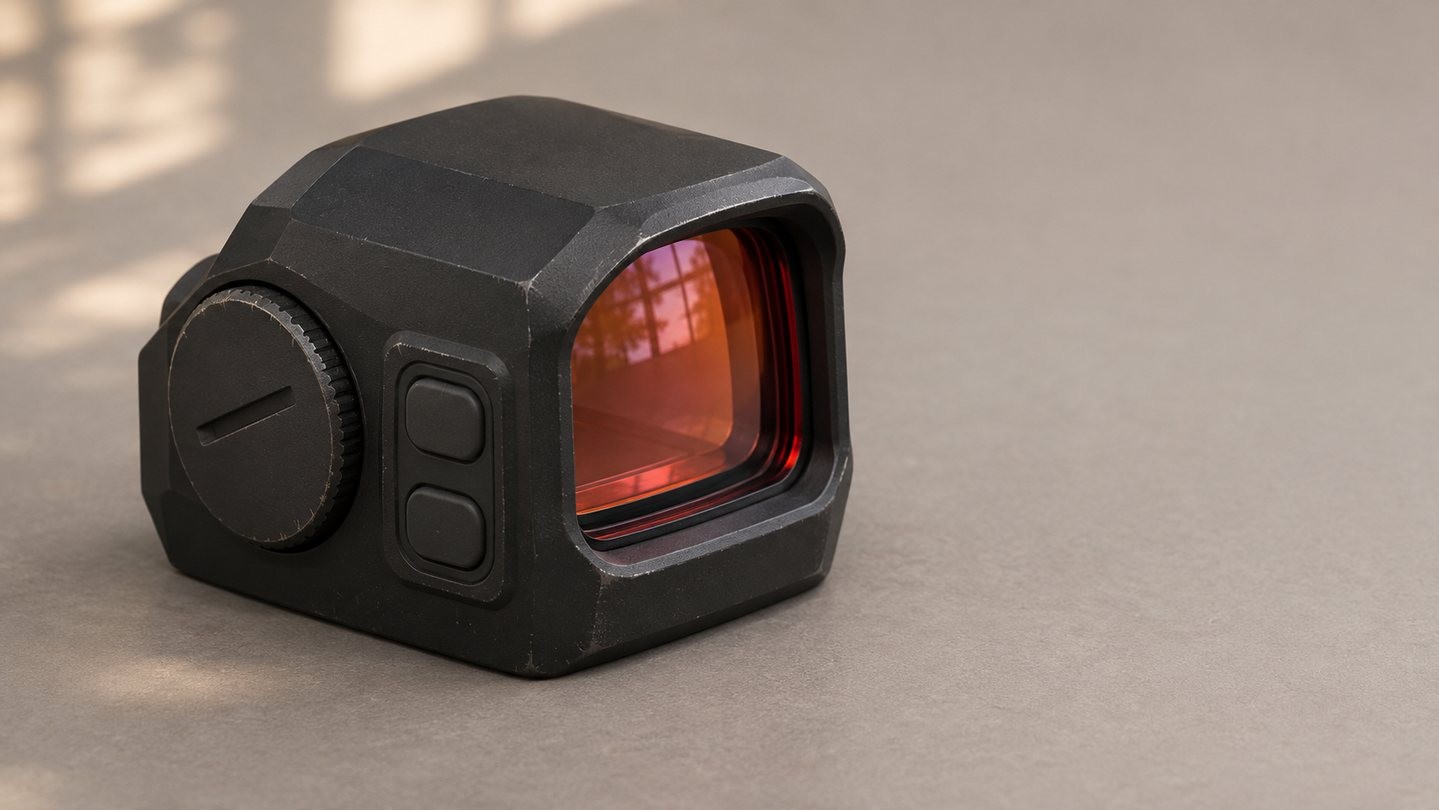
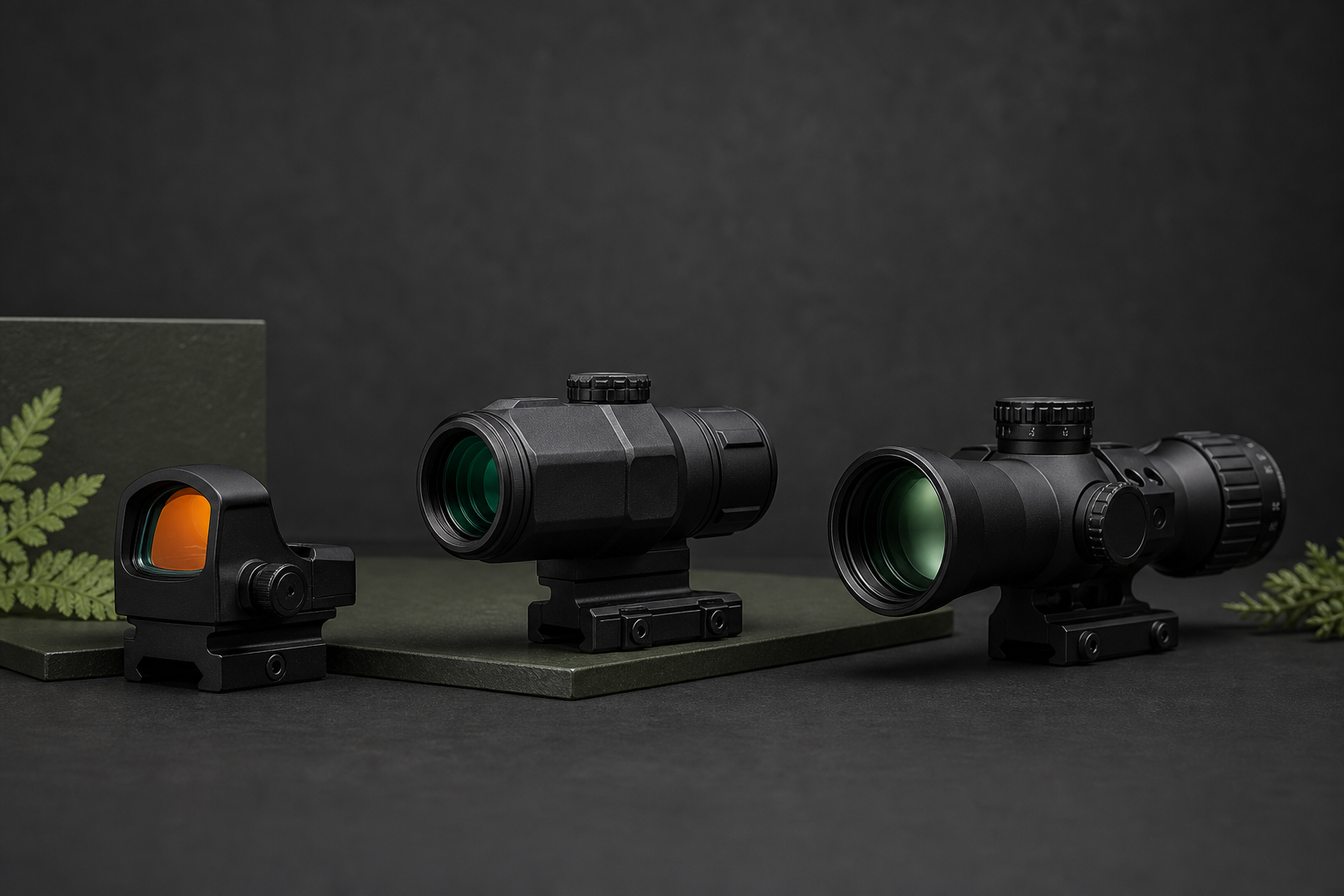
Ask for current photographs of the actual sight from every side, including its underside, control panel, battery compartment exterior and both sides of the viewing window. Record the full model and version. Similar housings may use different batteries, controls, footprints or included accessories. Compare the details with the maker's manual for that exact version.
If the seller shows a box, do not assume it belongs to the sight. A box and a serial number are useful evidence to discuss privately with the maker, but neither proves authenticity by itself. Aimpoint, for example, provides brand-specific counterfeit guidance and invites buyers with doubts to contact it directly. Avoid publishing a complete serial number in a public listing or review.
Inspect the housing and window
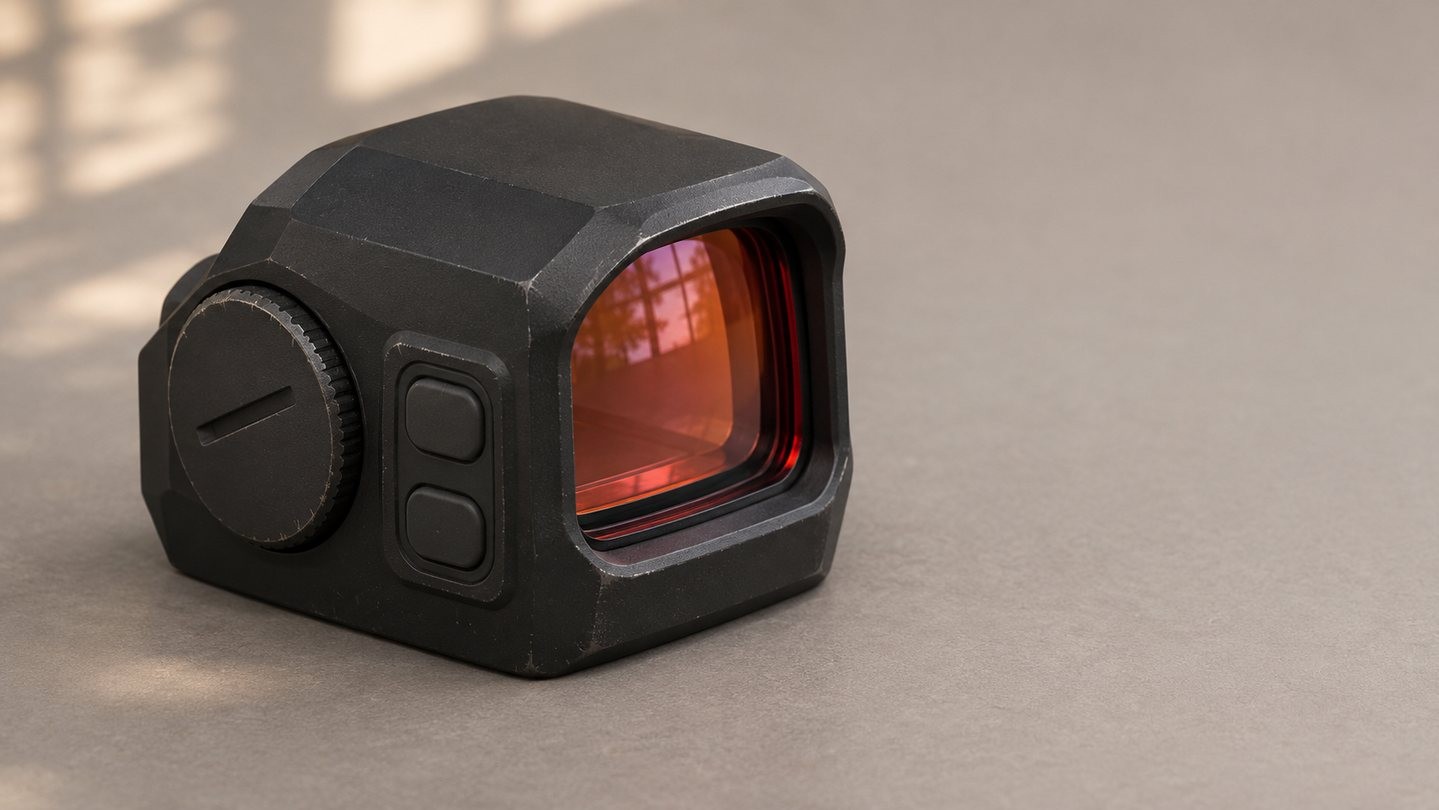
Under soft light, look for cracks, dents near the window, distorted edges, missing screws, gaps at joints and damage around the battery door. Ordinary finish wear differs from an impact mark at a seal or a bent control. Ask what caused any significant mark.
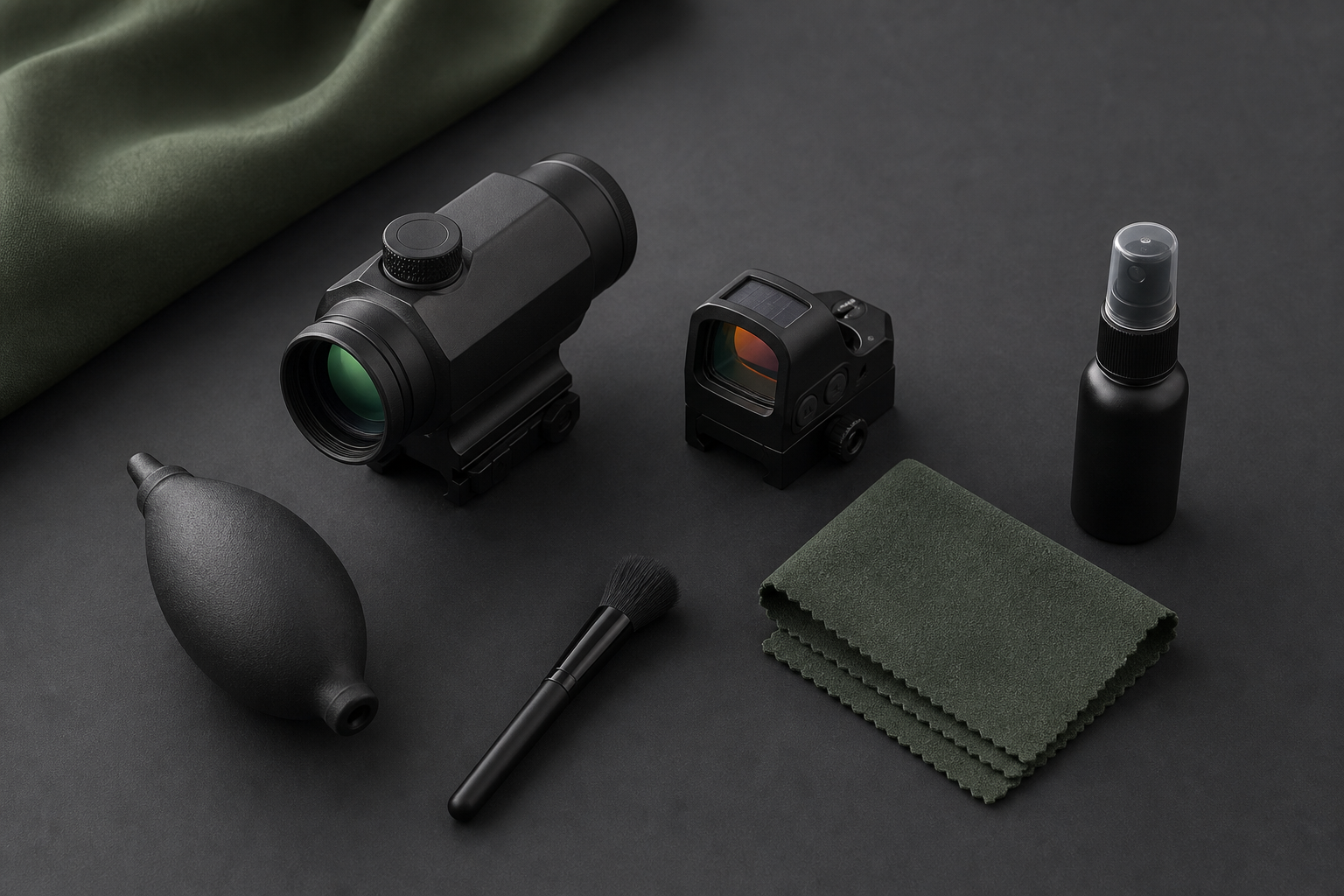
View the window against a plain background from both directions, then use gentle side light to find scratches, coating marks or chips. A tinted or angled window may be part of normal reflex-optic design; appearance alone does not establish a defect. Dust can imitate a scratch in a photograph. Do not rub a gritty surface to make a sale photo look cleaner. Our guide to cleaning a red dot sight explains a particle-first approach.
Check the battery compartment before testing the dot
If the seller permits an in-person inspection, open only the user-accessible battery cover or tray described in the manual. Look for moisture, deposits, damaged contacts, a pinched seal, stripped threads or a tray that will not close normally. Do not dismantle the sealed body. A Holosun manual specifically calls for checking the battery compartment for dirt, moisture and corrosion; the exact opening and battery procedure varies by model.
Use a fresh, correct battery if practical. Confirm its type and orientation from the exact manual. A sight that fails with an old or unknown battery has an unresolved problem, but a fresh battery that powers it on does not prove long-term reliability. Never force a stubborn cap or tray.
Test every normal control
With the sight separate from any equipment, turn it on and move through the advertised brightness range. The dot should respond consistently to each normal input. Check the off state, buttons, dial, motion activation or automatic modes only if that exact model is documented to have them. A slow phone video can record a flicker or intermittent response, but camera exposure can also make a normal dot look uneven.
Look through the window at a safe, evenly lit surface. Compare a low and moderate brightness setting. An excessively bright dot may bloom even on a healthy optic; eyesight, astigmatism and a phone camera can change its apparent shape. If a symptom remains, follow a repeatable observation method such as our double-image check. Do not stare at the sun or another intense light source.
Ask what the sight has been through
Ask whether it has been dropped, immersed, repaired, repainted or left with a leaking battery. Request a short description of any service work and a copy of the relevant service document if available, with personal details covered. Our post-impact inspection guide helps frame follow-up questions after a disclosed fall.
Be careful with claims such as “waterproof,” “holds zero” or “factory verified.” A countertop inspection cannot establish seal integrity, adjustment performance or reliability over time. Ask for the actual service or test record behind the claim; price any remaining uncertainty accordingly.
Verify warranty and return terms for that brand
Do not assume a used sight retains the original buyer's warranty. Terms differ. Aimpoint's published warranty, for example, limits coverage to the original owner and requires an original receipt for a claim. Check the current terms for the specific brand, region and model, and ask the seller about a realistic return window before payment. A seller's promise of “lifetime warranty” is not a substitute for the maker's written terms.
If authenticity is uncertain, contact the brand through its official support channel before buying. Share identifying details privately and ask what it can actually verify. The absence of an authenticity warning is not the same as a certificate of condition or ownership.
A concise decision checklist
Before paying, confirm the exact model, current item photographs, window condition, housing and user-accessible battery compartment, normal power and brightness behavior, disclosed history, and written return terms. Keep the seller's claims and your observations separate. If a critical check is refused or a significant problem has no clear explanation, be prepared to walk away.
If the sight is meant for a particular setup, confirm compatibility from the exact product documentation separately. A purchase inspection establishes only what you can observe today. It is a sensible filter, not a guarantee of future performance.


Leave a comment