A prism scope can have a perfectly good etched reticle and still look soft to a new user. The usual temptation is to aim at a detailed object and keep turning the rear ring until the whole scene looks sharper. That approach can be misleading because the diopter is there primarily to focus the reticle for your eye—not to refocus every target distance.
What the diopter actually changes
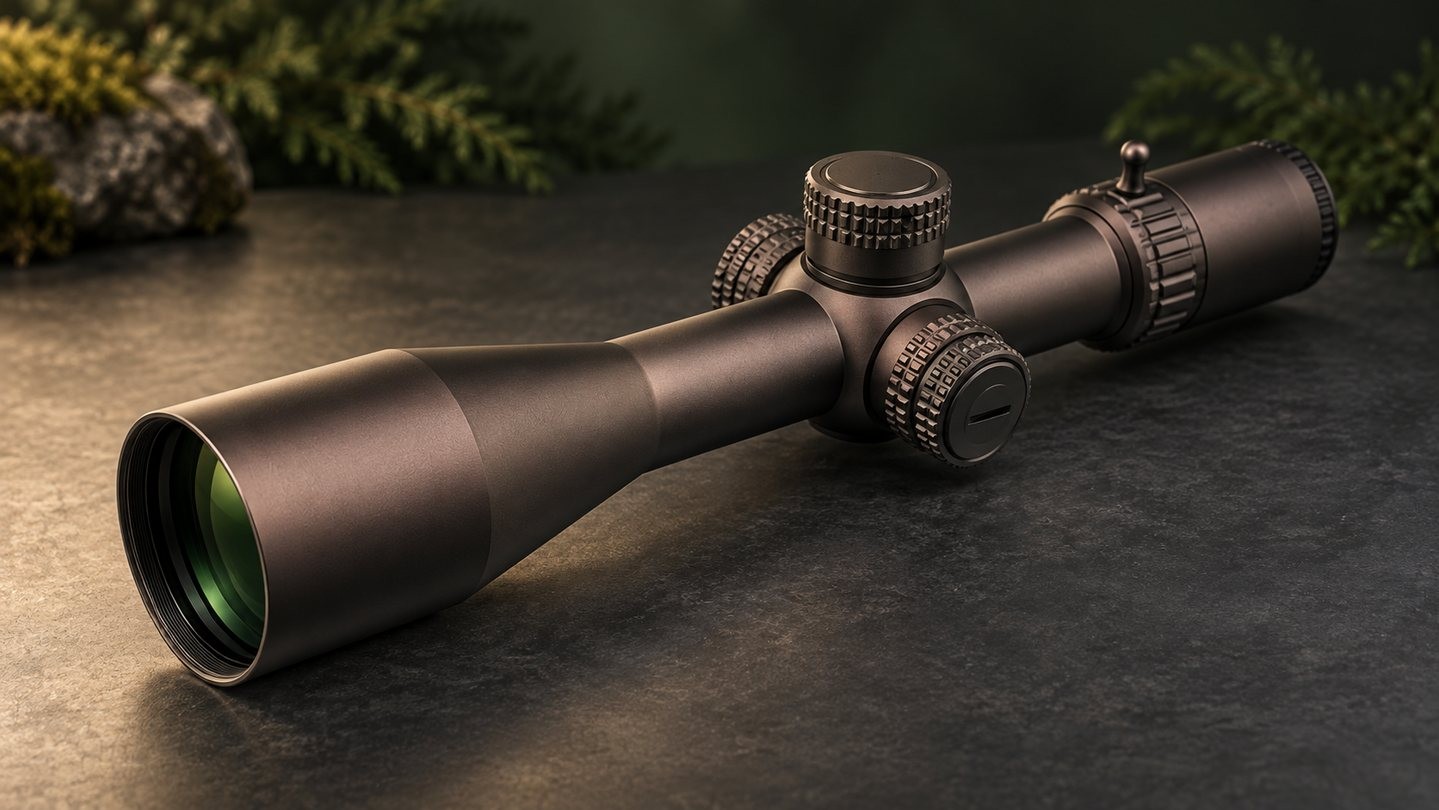
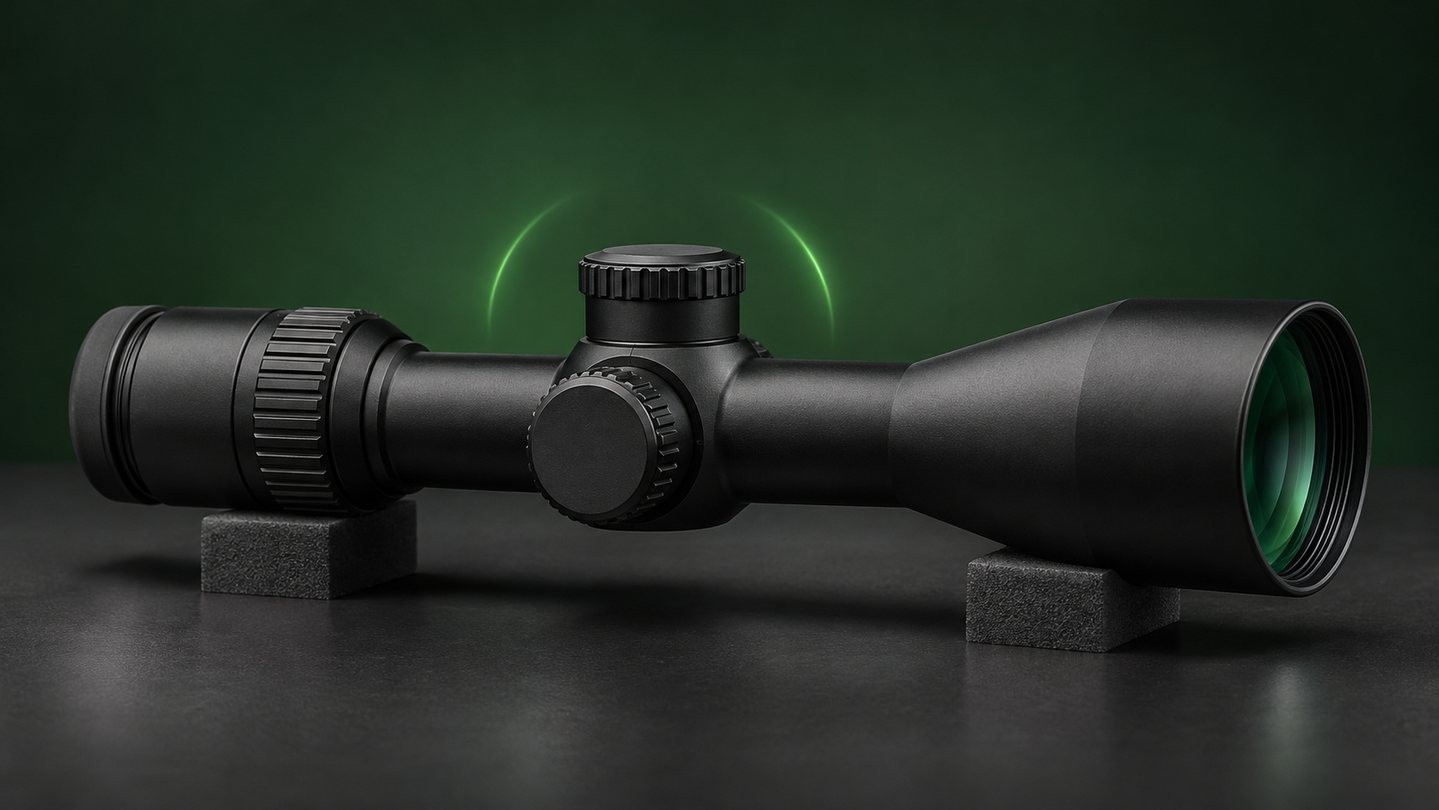
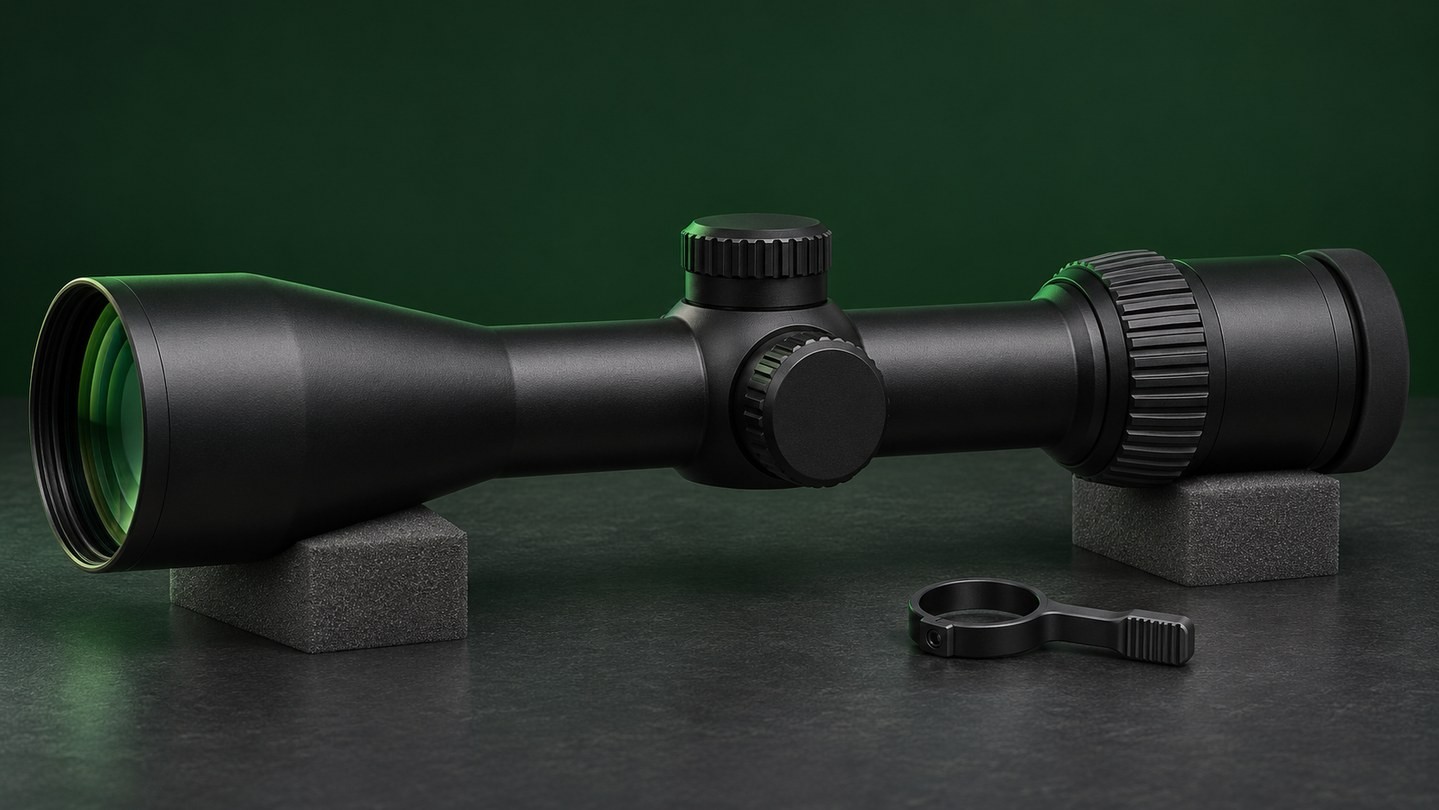
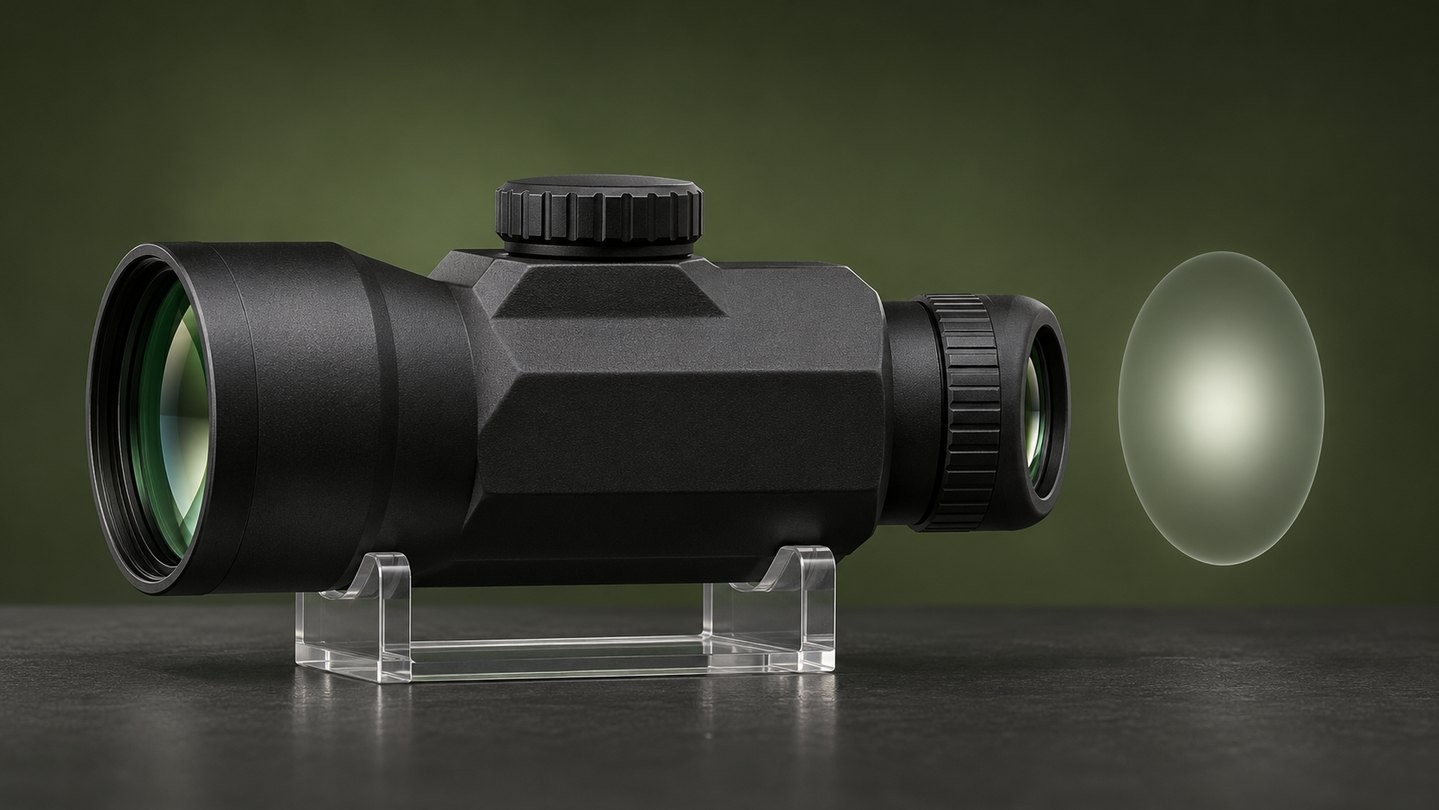
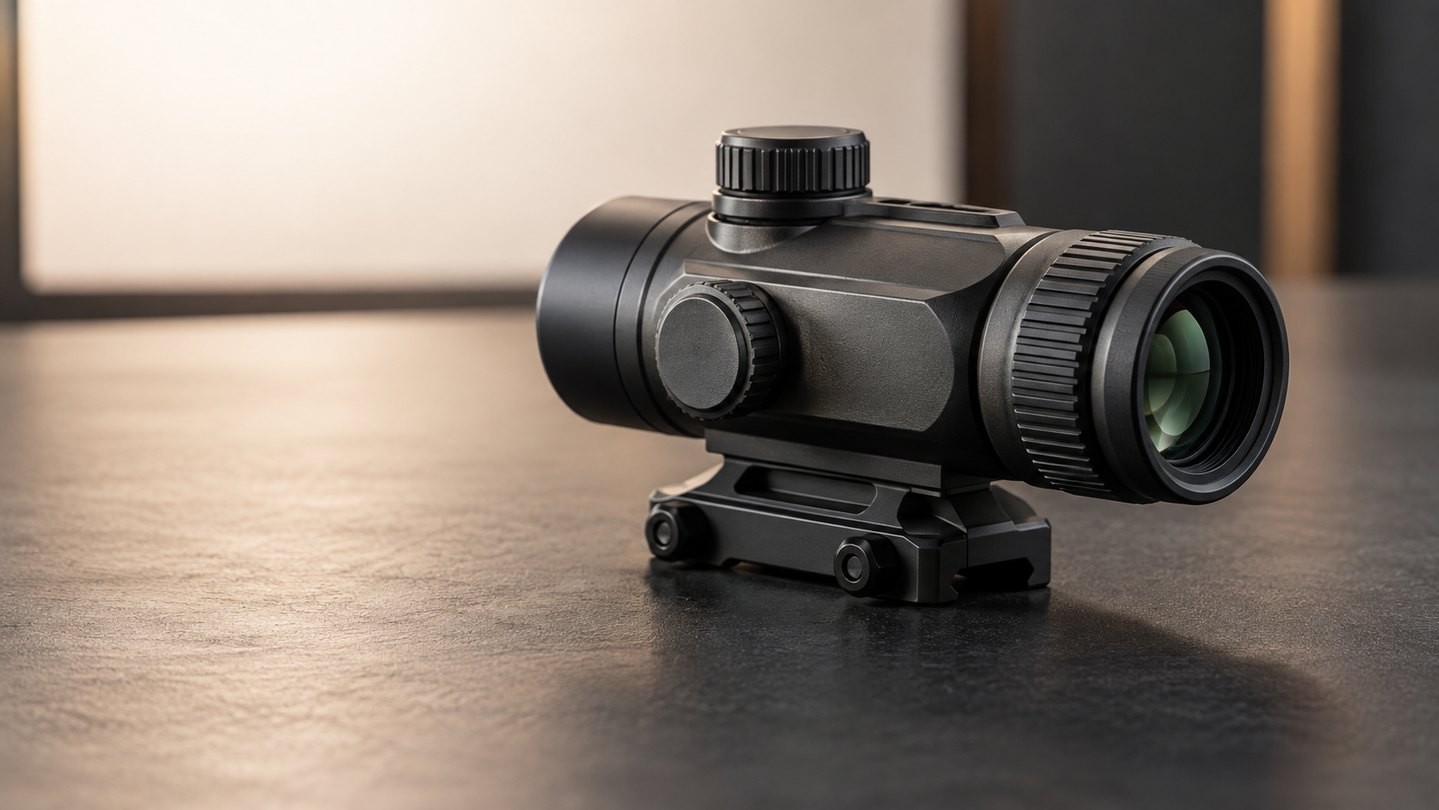
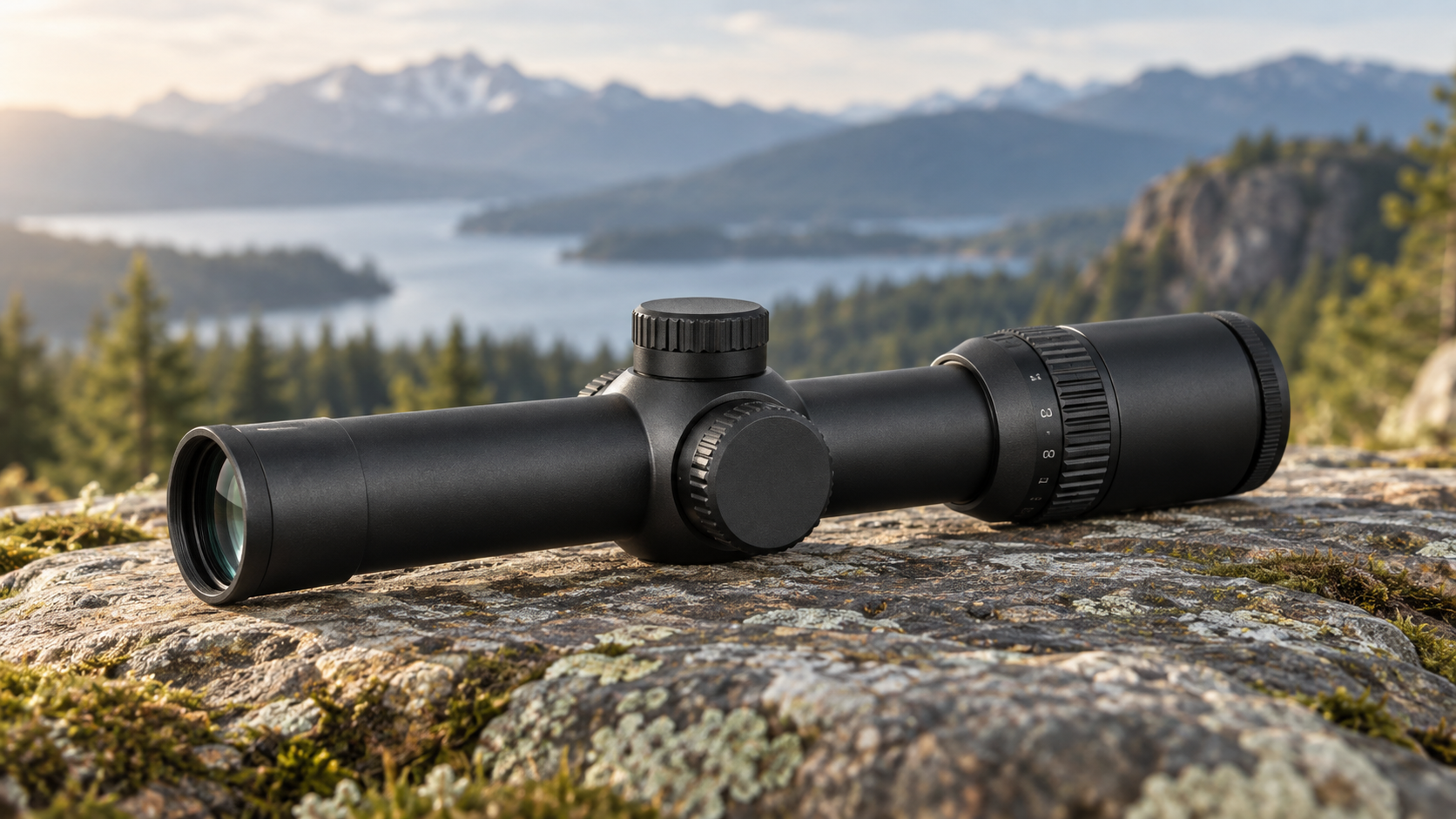
The diopter is the adjustable ring at the rear of the eyepiece. Its job is to match the optical presentation of the reticle to the viewer's eyesight. On a prism scope, this matters because the reticle is etched into the optical system and remains visible even when illumination is switched off.
The correct setting is personal. Two people may need different ring positions on the same optic, especially if their prescriptions or visual accommodation differ. That does not mean the optic has changed mechanically.
Start with a bright, featureless background
Use a clear sky away from the sun or a blank, evenly lit wall. The background should have as little detail as possible. Fine texture, printed text, tree branches and nearby objects encourage the eye to focus on the scene instead of judging the reticle.
Wear the same prescription glasses or contact lenses you normally use with the optic. Do not point the scope at the sun, a bright lamp or another intense light source.
Use quick glances instead of staring
Look away or close your eyes for a moment, then take a brief glance through the optic. Ask one question: does the reticle look sharp immediately?
If it starts blurry and becomes clearer only after you stare, your eye may be compensating for an incorrect diopter setting. Turn the ring a small amount, reset your eyes and check again. Repeat in small steps until the reticle appears crisp at first glance.
Long, concentrated viewing makes this harder. The eye is good at adapting, so a setting can seem acceptable after several seconds even when it is not the best starting point.
Turn illumination down or off
An etched reticle does not need illumination to be visible in normal light. For the initial diopter check, switch illumination off when practical or keep it low enough that glow does not obscure the reticle edges.
Excess brightness can make lines or the center aiming feature appear thicker, softer or surrounded by flare. That is a brightness issue, not necessarily a focus problem. The distinction is explained further in Etched Reticle vs Illumination in a Prism Scope.
Do not use the diopter as a target-focus control
Once the reticle is sharp for your eye, leave the diopter alone during ordinary use. Turning it every time the target distance changes can move you away from the correct reticle setting.
Target detail is affected by magnification, distance, lighting, atmospheric conditions, eye position and the optic's optical design. A diopter cannot turn a fixed-magnification prism into a focus-adjustable spotting scope. If the reticle is crisp but the scene is not, diagnose the viewing conditions before changing the rear ring again.
Check eye relief and head position next
A sharp reticle does not guarantee a full, comfortable view. Prism scopes have a defined eye-relief range and eye box. If your eye is too close, too far away or off the optical centerline, you may see shadowing, a restricted field or an uneven image.
Move your head slightly forward, backward and side to side without touching the diopter. If the view opens and closes with position, the issue is viewing geometry. The same principle is covered in Optic Magnifier Eye Relief and Eye Box.
Mark the setting only when appropriate
After you have found a repeatable setting, note its position. Some users add a small witness mark so they can see whether the ring has moved. Only use a removable, manufacturer-safe method that will not damage the finish, block markings or interfere with a locking mechanism.
If the optic has a locking diopter, follow its manual before tightening or unlocking anything. Fast-Focus vs Locking Diopter explains why the two designs feel different in daily use.
When adjustment does not solve the blur
Stop turning the ring if you reach its practical range without a clean reticle, if one part of the reticle stays sharp while another does not, or if the image changes abruptly with tiny movements. Recheck your prescription lenses, brightness level, eye position and the exact model manual.
Try the optic with each eye separately if that is safe and practical. Persistent blur, double images or discomfort should not be diagnosed from an article. Ask the optic manufacturer about the product, and consult an eye-care professional about vision concerns.
A repeatable setup order
Use this simple sequence:
- Wear your normal corrective lenses.
- Choose a bright, blank background away from intense light.
- Switch the reticle illumination off or keep it low.
- Use brief glances and adjust the rear ring in small steps.
- Stop when the reticle is sharp immediately.
- Then check eye relief, eye box and mounting position separately.
- Record the setting if the manufacturer permits it.
The key is to separate two jobs: the diopter sharpens the reticle for your eye, while eye position and the optical design determine how comfortably you see the full image. If you are comparing formats before buying, browse the Prism Scopes category and check each model's eye relief, magnification and adjustment instructions.


Leave a comment